Smart Order PMS
Work with authorized property data for reservations, rooms, rates, availability, performance, and existing reports.
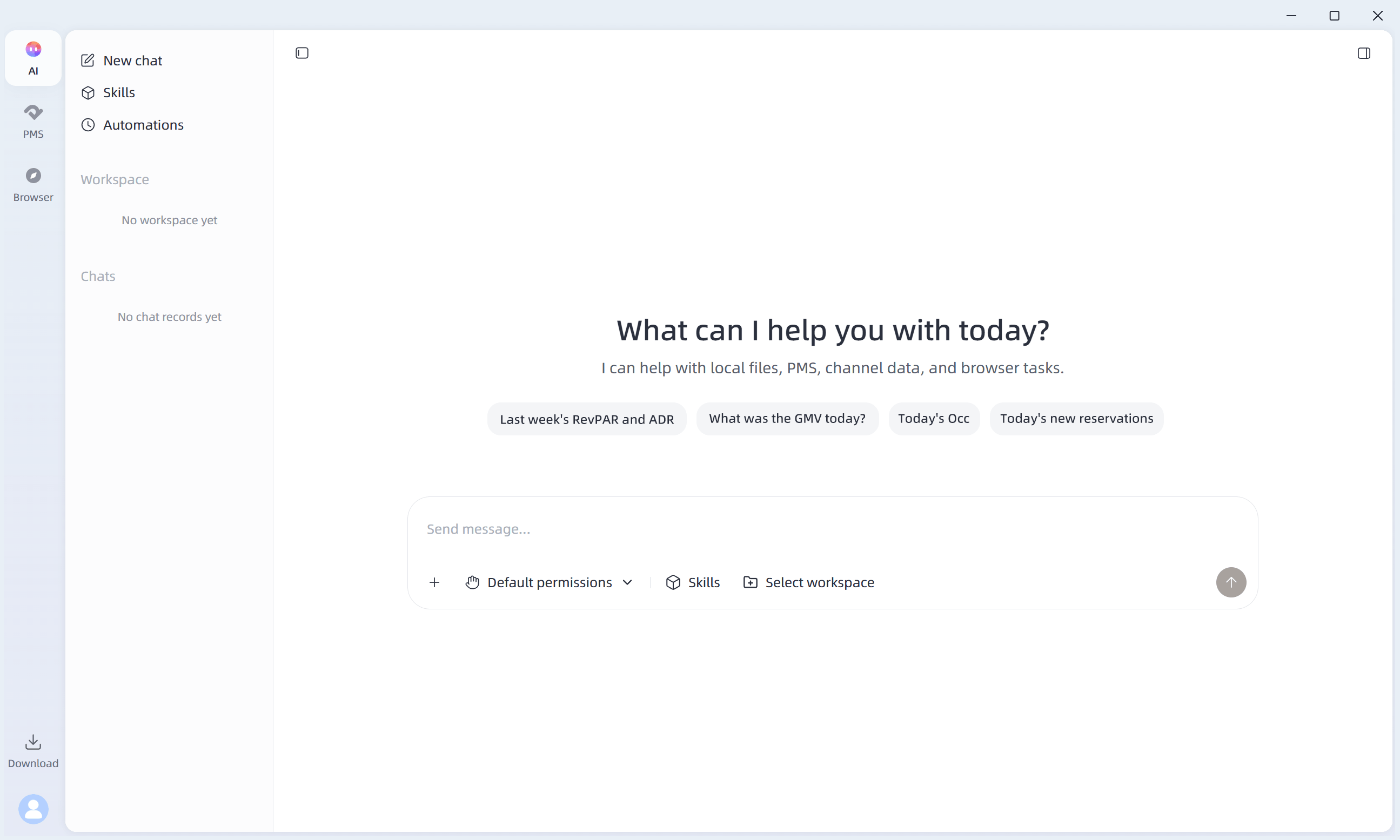
Ask about performance, organize hotel tasks, work with authorized Smart Order PMS data, manage OTA extranet workflows, or turn local files into reviewable results—all from one hospitality-focused AI workspace.
SupportsmacOS andWindows
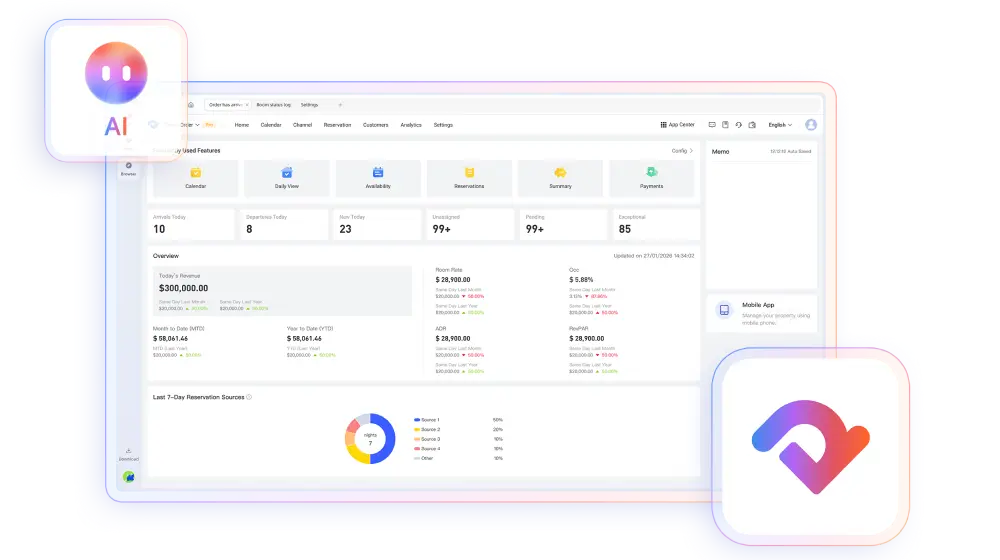
Tell AI Desktop what you need to accomplish. A hospitality-focused agent helps organize the task and works with the right environment for each step.
Work with authorized property data for reservations, rooms, rates, availability, performance, and existing reports.

The shared entry point for your request, work in progress, sources, and reviewable result.
Work in authorized OTA extranet environments and turn selected spreadsheets, PDFs, documents, or images into usable working material.
Smart Order PMS remains the source of truth for reservation, room-status, rate, inventory, and transaction data.
The fastest way to understand AI Desktop is to give it one specific, verifiable job.
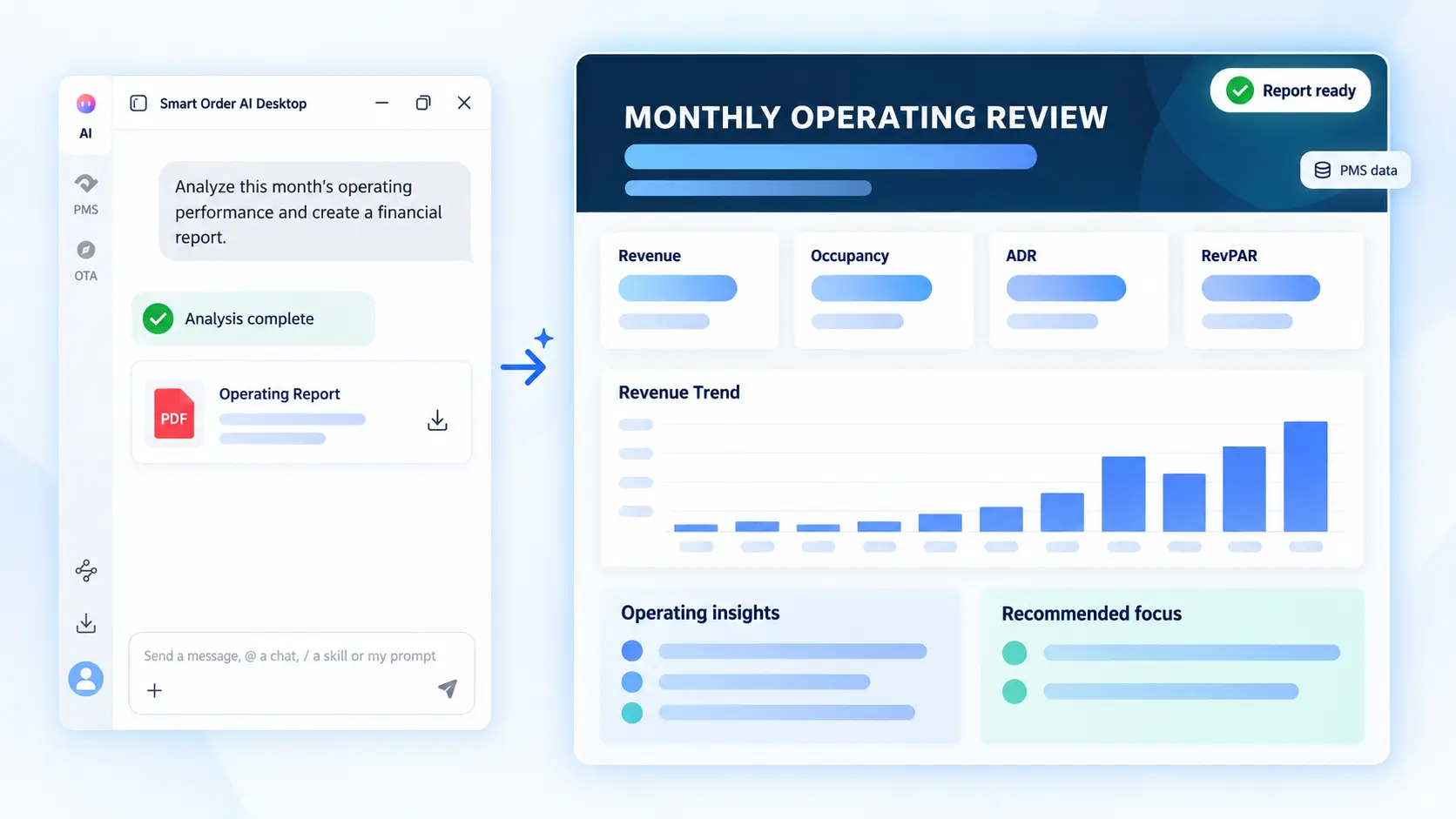
AI Desktop can organize authorized PMS data into a reviewable operating summary with Revenue, Occupancy, ADR, RevPAR, insights, and recommended focus.
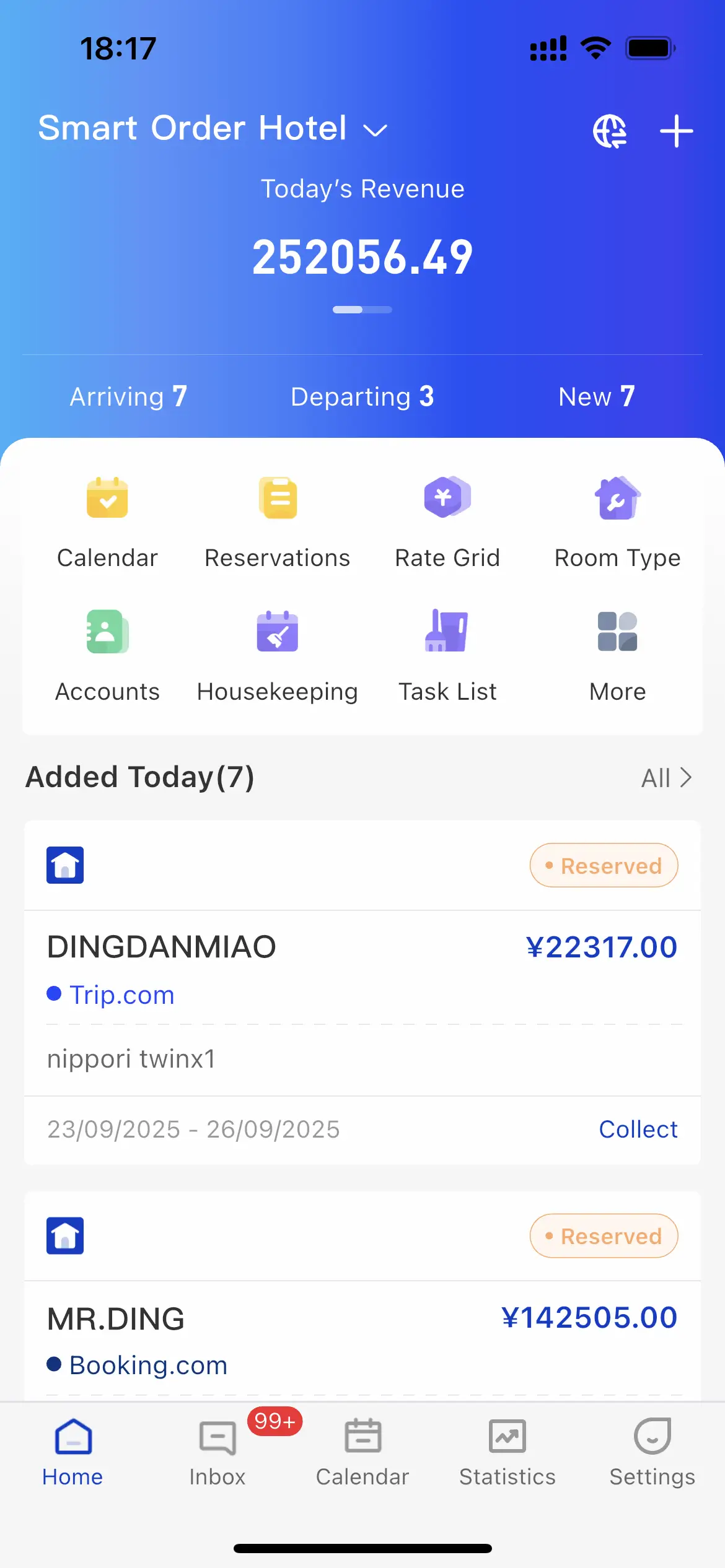
After details and confirmation are reviewed, the completed reservation appears in the PMS calendar for verification.
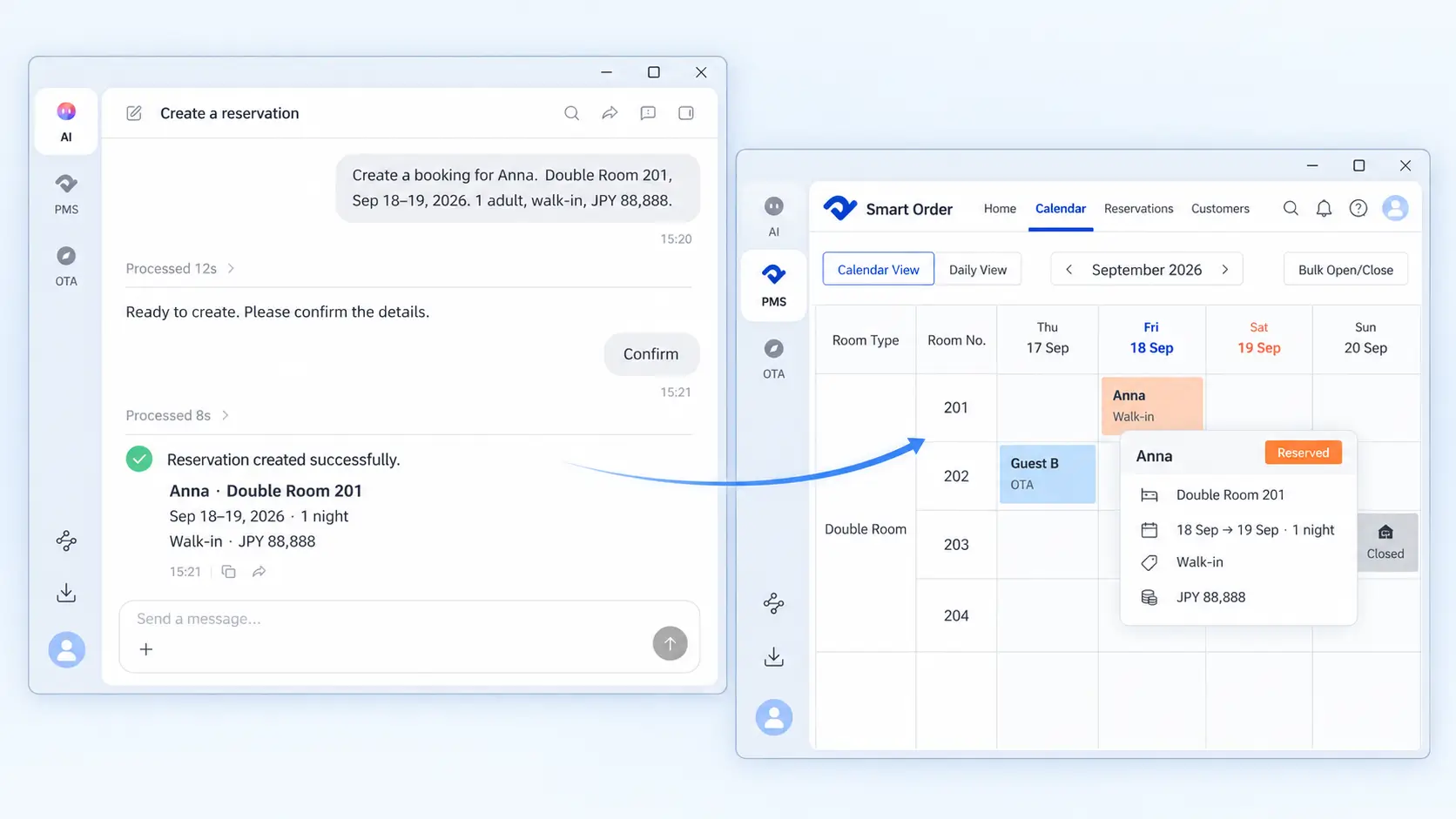
AI Desktop reads the authorized property state first. A supported change is prepared as a preview and waits for confirmation.
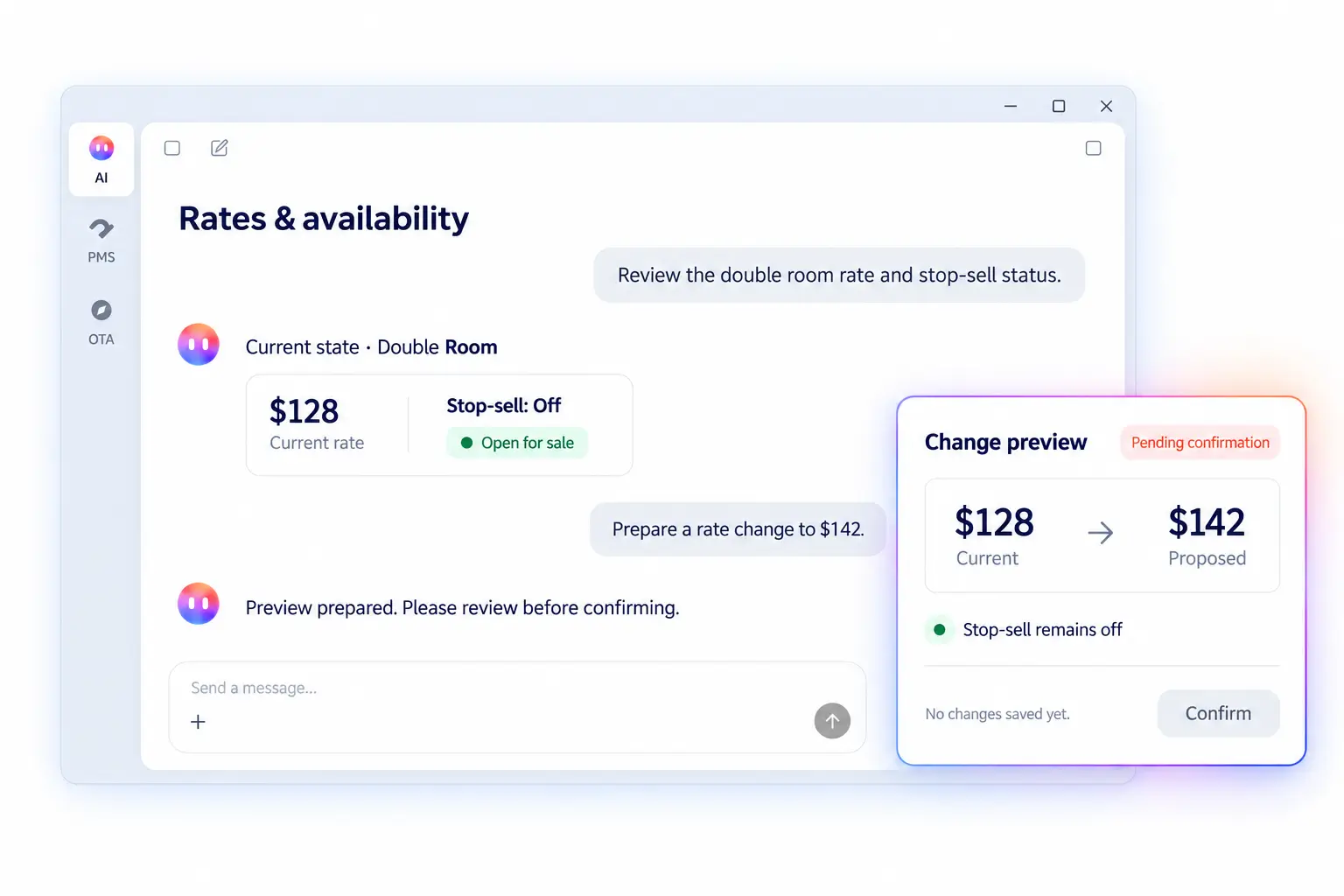
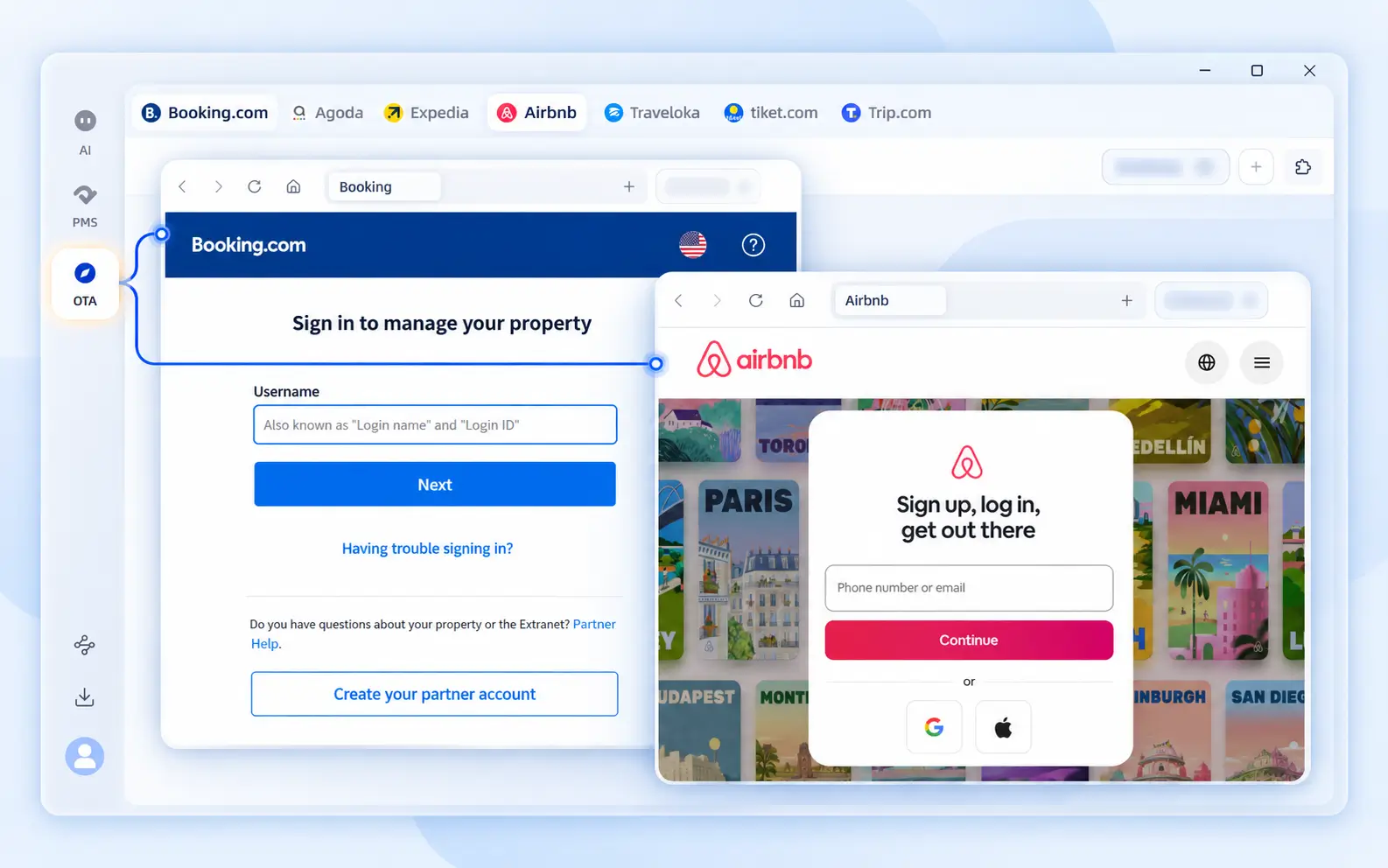
AI Desktop provides an OTA workspace for property teams to access authorized extranet environments. Credentials remain under user control.
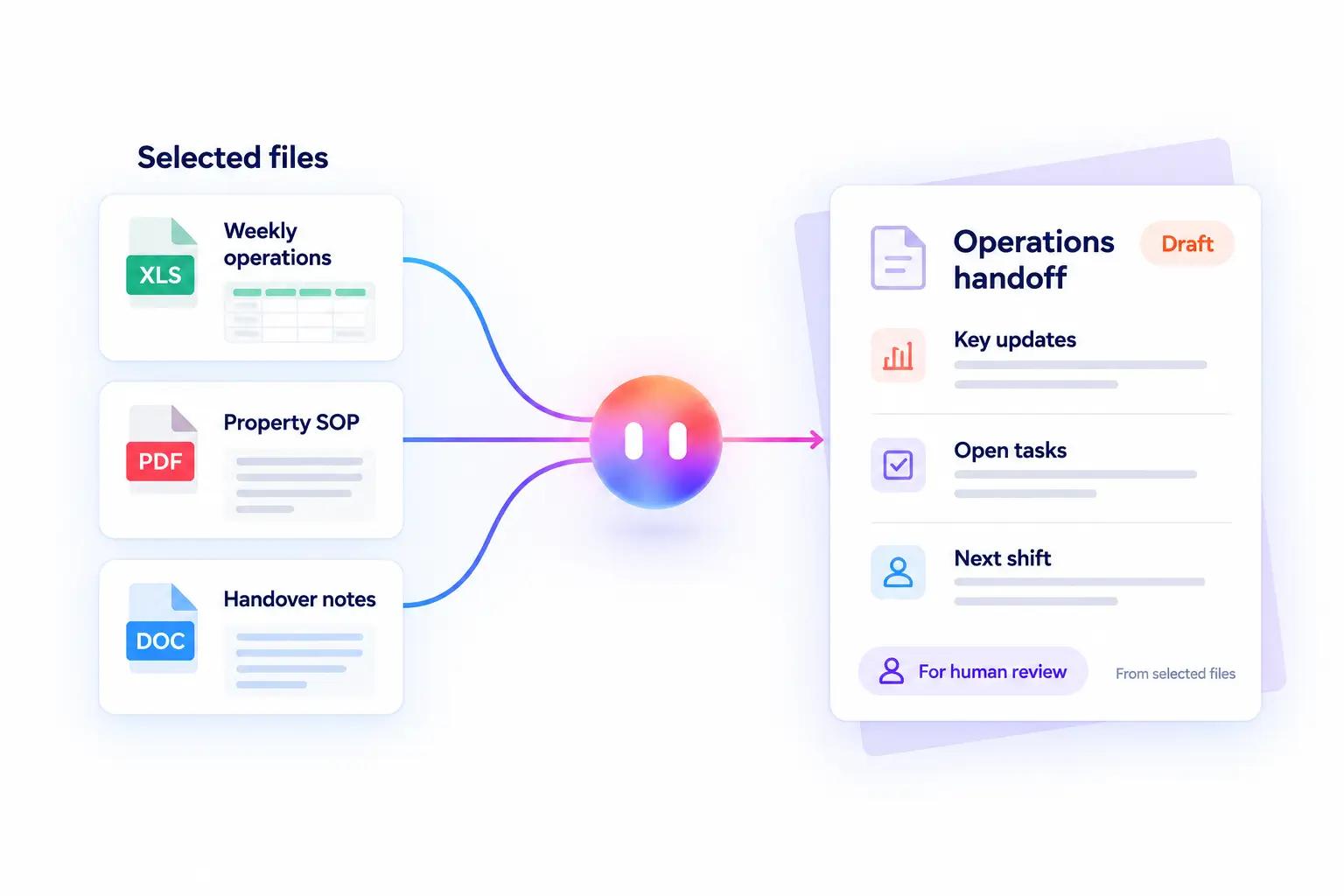
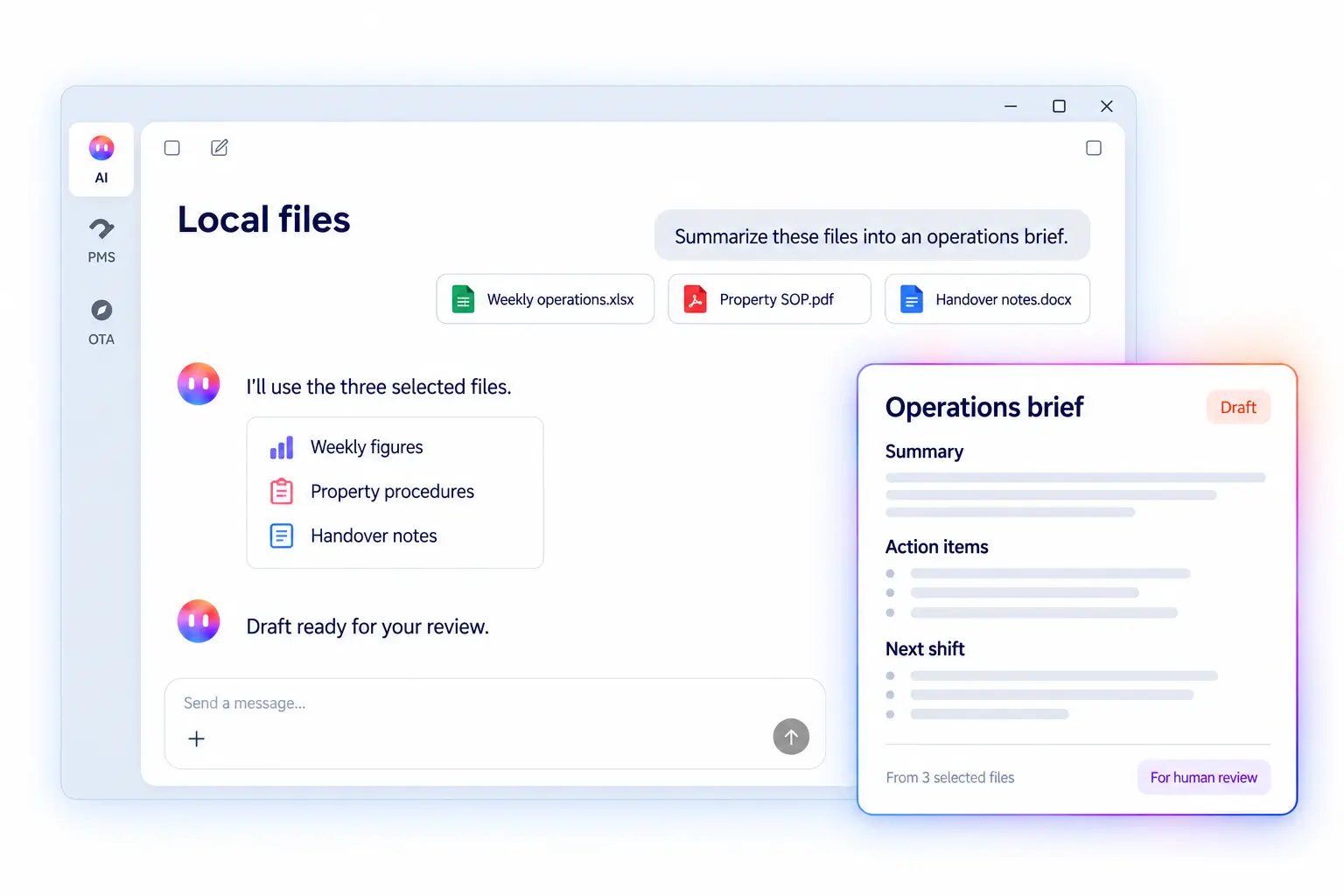
AI Desktop can turn selected local materials into summaries, checklists, working drafts, or handoffs for human review.
Examples are representative workflows, not a promise that every website, file type, data field, or action is available in every account.
Traditional systems organize work around menus. General AI organizes work around answers. AI Desktop helps hospitality teams organize work around a real operating goal.
When you are already signed in to Smart Order PMS inside AI Desktop, the PMS Assistant can help query or prepare supported work for the property connected to your current account.
Review login, authorization, accessible properties, and current-property information.
Search stays and support create, edit, cancel, check-in, and check-out workflows where available.
Query room types, rooms, buildings, room groups, and room-status context.
Review inventory, stop-sell status, property rates, rate plans, and change history.
Query revenue, transactions, booking volume, channel sales, occupancy, ADR, and RevPAR.
Retrieve PMS reports covering charges, room nights, extras, penalties, commissions, and KPIs.
AI assistance should make operating work easier to review—not make important changes invisible.
Open the PMS within AI Desktop for the property you manage.
Describe the information or operating job in everyday language.
AI Desktop reads available PMS context before preparing an action.
A supported write action waits for your explicit confirmation.
Review the completed state for rates, inventory, reservations, and room status.
Hospitality work also lives in channel extranets, public web pages, spreadsheets, PDFs, documents, and images.
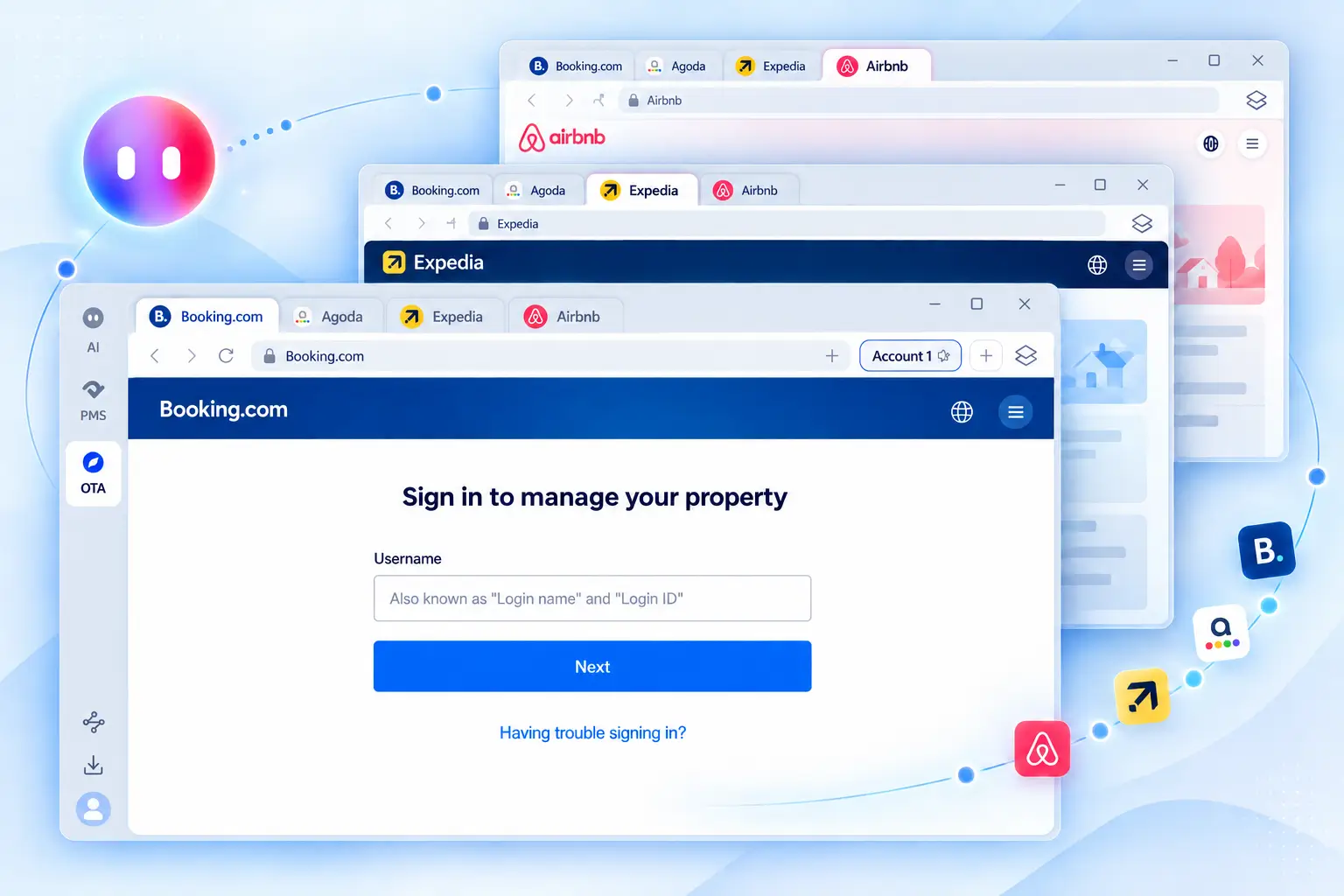
Open signed-in OTA extranet environments, move between channel accounts, review property pages, and prepare browser-based work without leaving AI Desktop.
Local Files is separate from OTA extranet work. Select spreadsheets, PDFs, documents, or images from your computer and use them as task context.
Choose the operating context closest to your team, then start with one recurring task that is easy to review.
Chain groups · Hotels · Vacation rentals · Serviced apartments
Finance · Marketing · Operations · General managers · Owner-operators
Smart Order customers are already applying AI to reporting, multi-property collaboration, and repeatable operating processes.
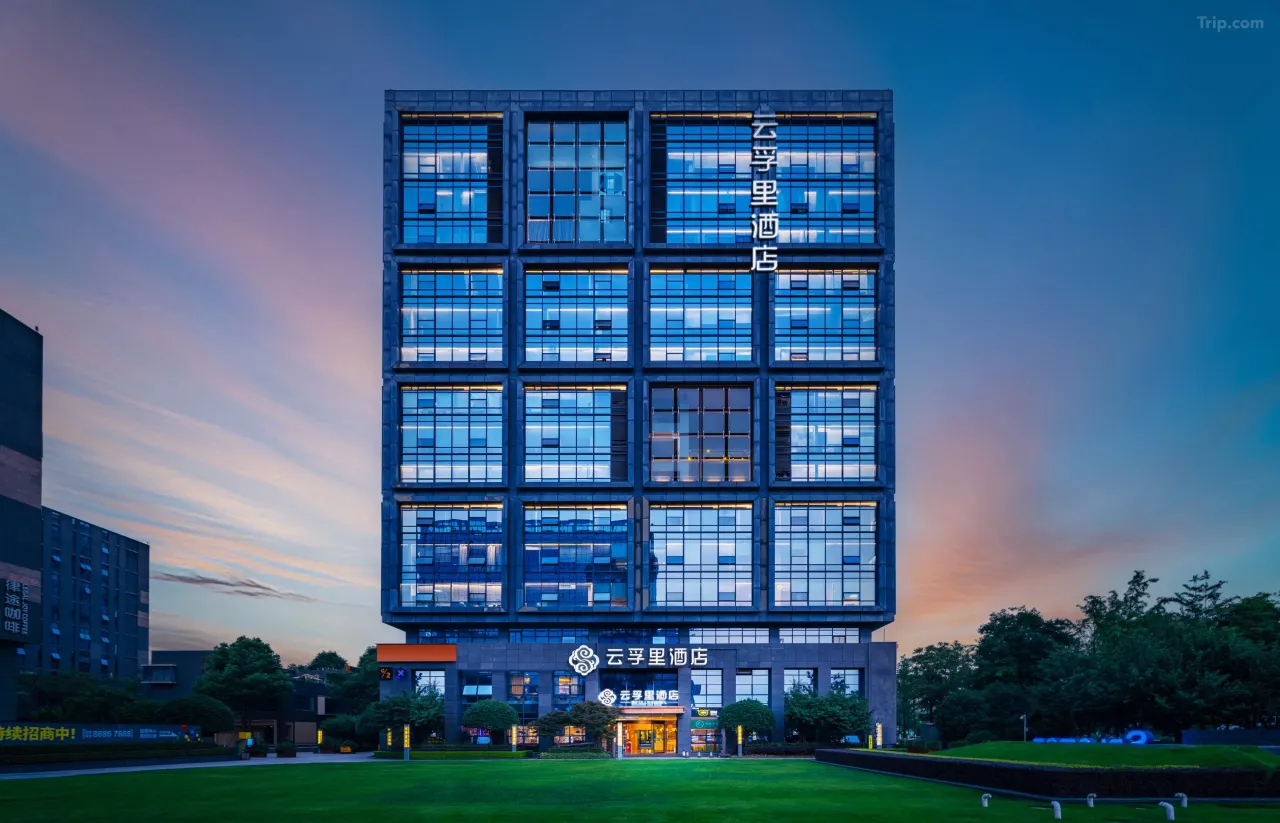
Cross-department collaboration
10 days to connect cross-department workflows.
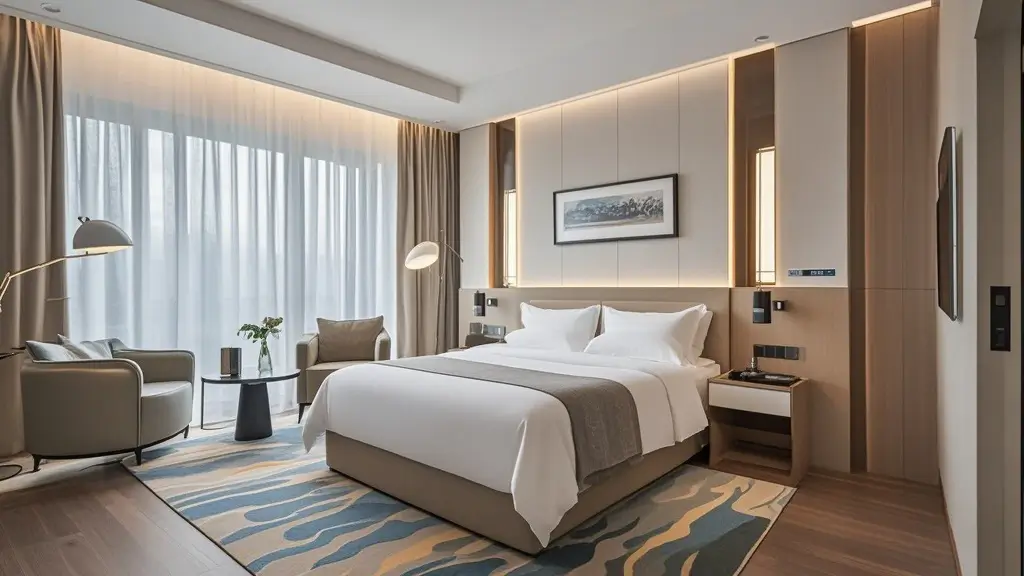

Capabilities depend on the signed-in account, property authorization, available environment, and current product release.
AI Desktop is a hospitality-focused AI workspace where teams can describe a goal in everyday language, work with authorized PMS context, use OTA extranet and local-file workspaces when appropriate, and review the resulting work in one place.
It is a working environment for hospitality tasks, not only a chatbot. AI Desktop can organize a goal, use verified tools and available information, and prepare a reviewable result. Smart Order PMS remains the source of truth for core property data and transactions.
The PMS Assistant supports reservation and stay searches, detail review, and supported create, edit, cancel, check-in, and check-out workflows. Write actions require a preview and user confirmation.
It can query property rates and rate plans, review the current state, prepare supported rate changes, and show a preview for confirmation. Some changes may apply asynchronously, so verify the final PMS state.
For an authorized property and supported date scope, the PMS Assistant can query revenue, transaction flow, reservation volume, channel sales, occupancy, OCC, ADR, RevPAR, and existing PMS reports.
AI Desktop follows the property scope available to the current signed-in account. It does not bypass account or property authorization. Confirm the required multi-property scope before planning a cross-property workflow.
Queries are read-only by default. A supported write action must read the current state, present an operation preview, and receive user confirmation before execution. Important results should then be verified in the PMS.
Yes. It is relevant to vacation-rental and short-term-rental teams working with reservations, property data, channel pages, reports, and local content files. Exact actions depend on account access and the current release.

Create your account or download the desktop app, then begin with one hospitality task your team can review and verify.
Create your account or book a guided demo, then begin with one hospitality task your team can review and verify.
Prefer a guided walkthrough? Book a Demo →