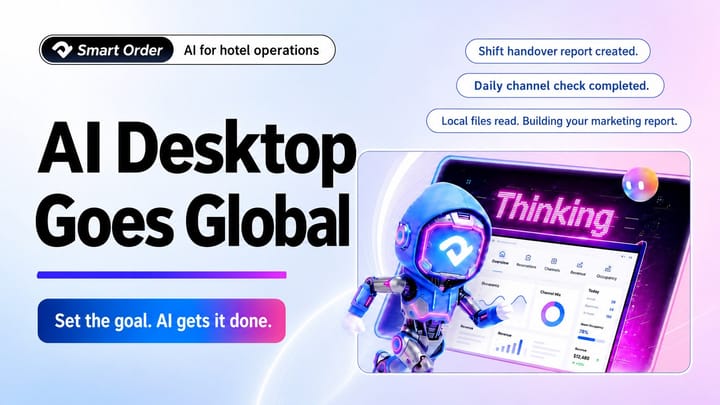
Smart Order has launched the international edition of AI Desktop for hotels and vacation rentals worldwide. Download the app for Windows or macOS from the AI Desktop page.
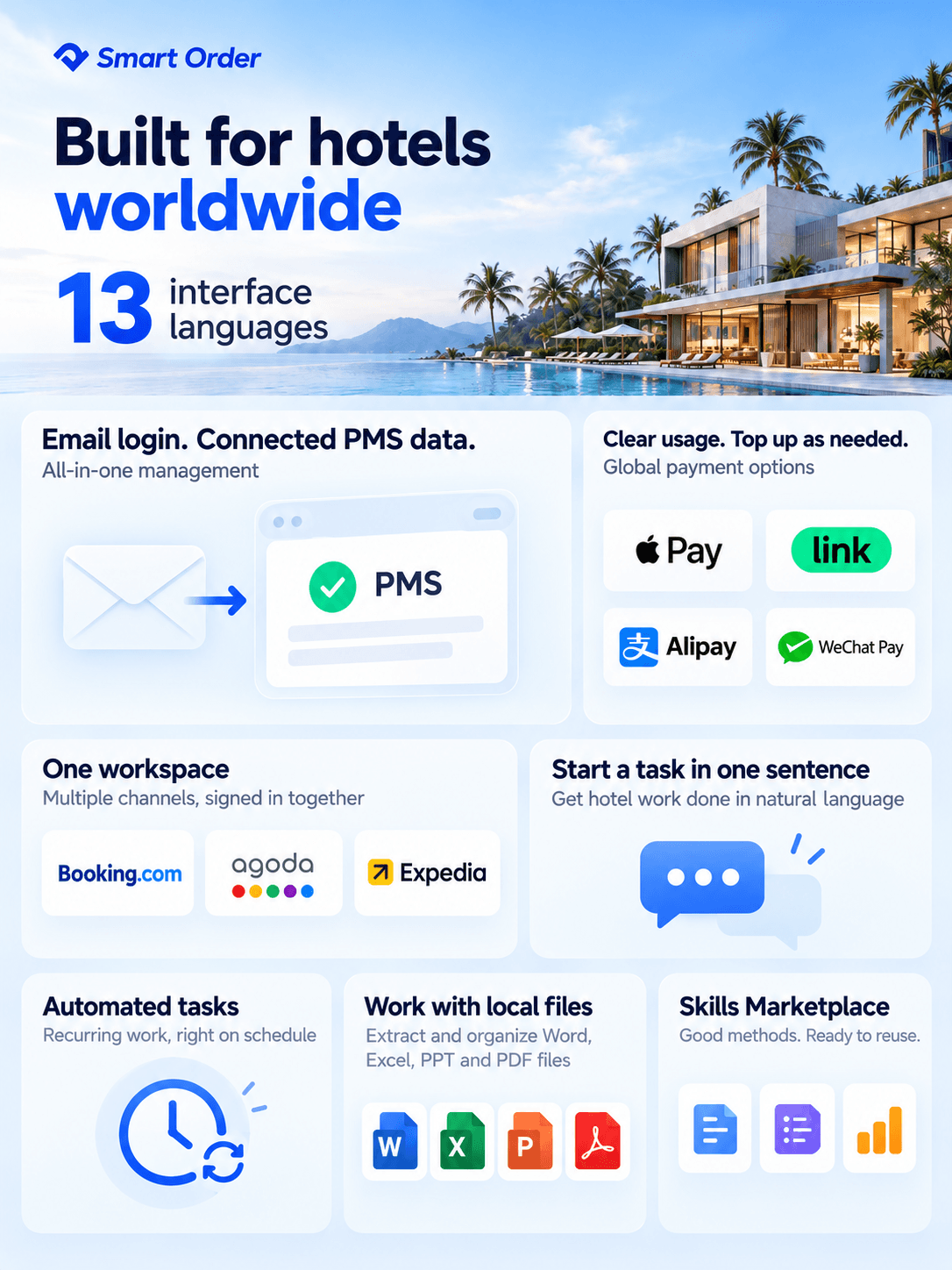
The international edition is adapted to the platforms and workflows used by hospitality teams around the world. It supports Google and email sign-in, 13 interface languages, and simultaneous access to multiple international booking channels, helping multilingual teams work together.
The built-in property management system (PMS) connects your operational data, while the Skills Marketplace lets you install hospitality skills with a click. Describe a task in a sentence, and AI can help you get it done.
AI Desktop for everyday hotel operations
Work in 13 languages
The app interface, everyday prompts and automation templates are adapted to different languages, making daily work smoother for teams around the world.
Sign in with Google or email
Sign in with your Google account, or use the email account you already use for the international PMS. Get started without creating another account or repeatedly signing in across the workspace.
Manage channels from one workspace
Stay signed in to multiple accounts across Booking.com, Agoda and Expedia. Reduce repeated work across separate platforms, and let AI help check your listings and manage channel tasks.
Work with your PMS data
The international PMS is built in, so you can move straight into daily operations. AI can look up information and carry out permitted changes for properties you are authorized to access.
Start tasks in natural language
Explain what you need in everyday language. AI breaks the task into steps, plans the work and uses the available tools to move it forward.
Schedule recurring tasks
Turn repeatable workflows into automated tasks. Set the timing and requirements, and let AI handle the routine work, freeing up time for you and your team.
Work with local files
Grant access to the local files needed for a task, and let AI extract information, organize materials and create documents directly from the files on your computer.
Reuse hospitality skills
Explore a broad range of industry skills, install them with a click and use them in your work. New team members can draw on specialist workflows, while experienced teams can turn proven methods into reusable skills.
Top up AI credits as needed
Track your AI credit usage with clear transaction details, and add credits whenever you need them. Supported payment methods include Alipay, WeChat Pay, Visa, Mastercard, UnionPay, Apple Pay and Link.
Coming soon
Mobile Conversations, Connectors and Cloud Space are coming soon. These features will extend AI-assisted work from your computer to your phone, and connect the workspace with the office tools you use every day.
Mobile Conversations: Keep working from your phone
You will be able to assign tasks to AI and handle everyday work from your phone, without staying at your computer.
Connectors: Bring email, calendars and files together
Planned Google Workspace connectors will let AI work with your Gmail messages, Google Calendar events and Google Drive files once you authorize access, making office and operational tasks easier to manage.
Cloud Space: Your files, across your devices
Your phone and computer will share a cloud workspace, so you can access and use your files across devices and pick up where you left off.
Get started in 3 steps
- Download from the website — Visit the AI Desktop page, choose Windows or macOS, and download the app.
- Install and sign in — Install the app, then sign in with Google or the email account you use for the international PMS.
- Start with a real task — Enter your goal in the chat box and try AI Desktop on something you need to do for your property.
Frequently asked questions
How do I sign in?
Sign in with your Google account. If you already use the international PMS, you can sign in with your existing email account using either your password or a verification code.
Which languages are supported, and how do I switch?
AI Desktop supports 13 interface languages, including Chinese, English, Japanese, Korean and Thai. After signing in, choose your language in Settings and restart the app to apply the change.
How do I access the PMS and channels such as Booking.com, Agoda and Expedia?
After you sign in to AI Desktop, the built-in PMS signs you in automatically. For Booking.com, Agoda and Expedia, open the AI Browser and complete each platform’s sign-in and authorization process. You can then work across those systems from the same workspace.
How do I set up an automated task? Will it run when my computer is off?
Run the task successfully first, then set its schedule and requirements. Your device must remain online, your account must be signed in and the required permissions must remain valid. Tasks cannot run on a computer that is switched off.
How does pricing work? Where can I top up and check usage?
AI usage is deducted from your credit balance. Top up as needed. You receive 300 AI credits on your first sign-in, and can earn up to 3,000 credits by completing in-app tasks. The Wallet shows your balance, usage details and top-up history. Supported payment methods include Alipay, WeChat Pay, bank cards, Apple Pay and Link.
