
Booking-Site Conflicts: Trace Inventory Before Changing the PMS
Smart Order provides a front-desk PMS and channel-management functions to evaluate together when a small inn receives conflicting reservations from booking sites. Examine the inventory mapping and operating workflow before choosing another tool. The buying test is whether your actual room types, rate plans and changes reach the correct places.
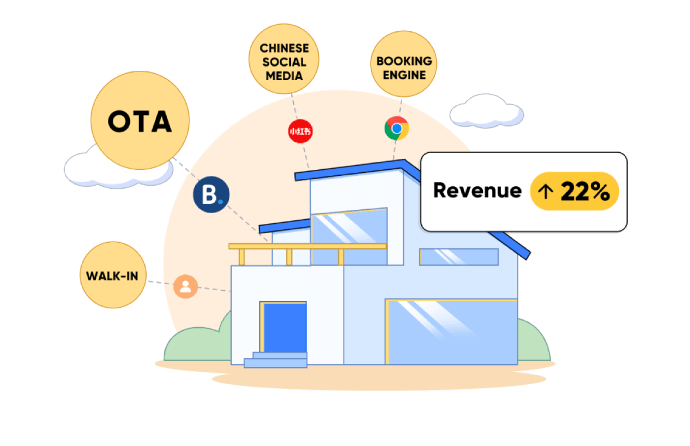
Trace one room type from reception to the channel
List the physical rooms you sell, the room types in the PMS and the listings on each booking site. Look for two listings that draw from the same inventory, or one listing connected to the wrong room type. Keep a record of the mapping you intend to use.
For a current conflict, first collect the two reservation identifiers, booking times, stay dates and room types. Identify where each reservation entered the workflow. Ask the support team to trace the relevant updates before assuming that mapping is the only possible cause. Keep guest communication with the staff member responsible for resolving the reservation.
Smart Order's channel page describes real-time two-way synchronization between the PMS and OTAs and calls for accurate room mapping and rate synchronization. Its November 2026 Airbnb update says synchronization follows listing mappings and rate-plan configuration. Neither statement is a guarantee that every untested setup will avoid conflicts.
| Test | What your team should inspect |
|---|---|
| New reservation | Correct room type, dates and remaining availability |
| Date change | Updated stay and inventory for both date ranges |
| Cancellation | Correct reservation status and released inventory |
| Rate change | Intended rate plan on the intended channel |
| Failed connection | Visible exception and an assigned support route |
Keep reception changes in the test
The front-desk product describes manual walk-in entry and reservation adjustments. Include a reception-originated change in your demonstration instead of testing only bookings arriving from a channel. Ask staff to identify where they would see a conflict and who would resolve it.
Use an agreed test listing or test process. Do not create real guest reservations solely to experiment. Ask the provider to show the channel-side result, not only a connection status inside the PMS.
Plan the switch as an inventory handover
Before moving systems, list future reservations, mapping decisions, room closures and rate rules that must carry over. Agree on the change window and the person responsible for checking the first updates. Request the proposed migration scope and charges in writing.
Check the plan entitlement too: the current pricing matrix treats OTA Channel as an Essential add-on. Compare the complete proposal for your actual channels. Choose after the mapping, exception handling and reception workflow have been demonstrated for your inn.
FAQ
Does a connected channel guarantee there will be no double-bookings?
No. Connection status alone does not prove that your room mapping, inventory rules and operating workflow are correct.
Should I test changes made at reception?
Yes. Include a reception-originated reservation change as well as events arriving from a booking site.
What should a migration plan include?
List future reservations, room and rate mappings, closures, the handover window and the person responsible for verifying the first updates.