Free Hotel PMS Software: Separate the Calendar from the Connected Hotel
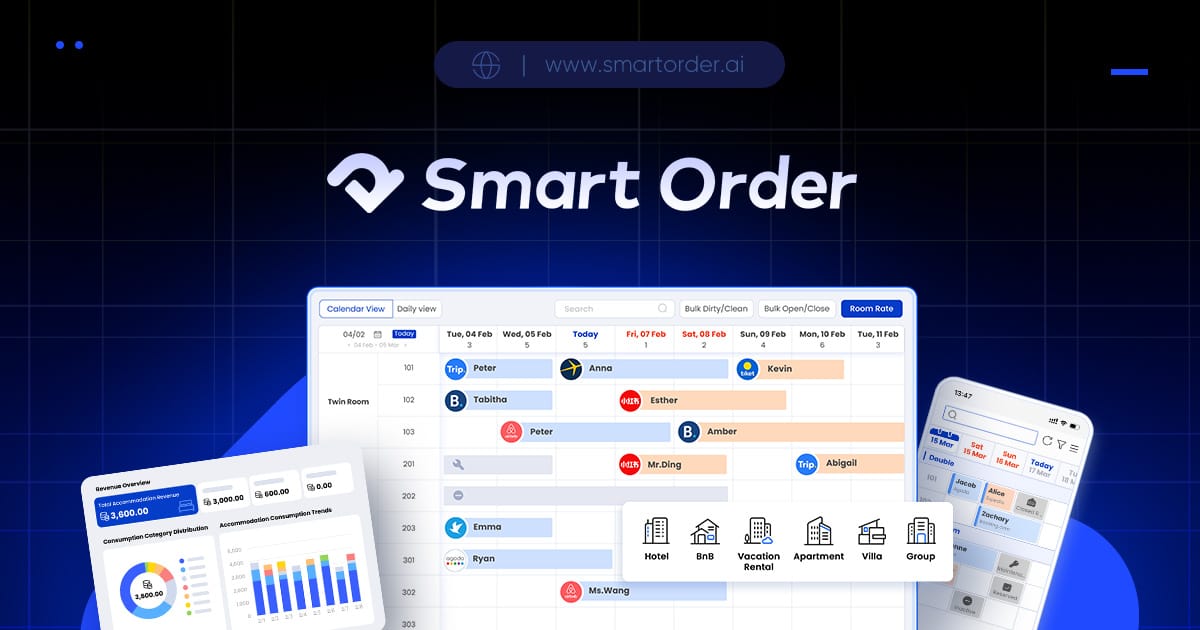
The catch with free hotel management software is often the gap between a free front desk and the connected operation you intend to run. A calendar may be free while channel connections, a booking engine or advanced operating tools cost extra. Smart Order's current pricing page makes that distinction visible: evaluate the basic PMS and then price the functions your hotel will actually use.
Do not decide from a free badge alone. A ten-room hotel taking only telephone reservations needs a different package from a ten-room hotel selling on several OTAs with online checkout and self check-in. The room count is the same; the operating setup is not.
What Smart Order lists as free
Smart Order Essential lists front desk, basic reports, mobile app and customer management as free. Current pricing Those functions address core records: reservations and front desk work, basic reporting, mobile access and customer information. Verify that your needed daily actions are included when you try the plan.
Smart Order Essential has no room-count or duration restriction. Current pricing An unrestricted duration is different from a short trial that expires. It is also different from unlimited access to every product module.
Smart Order lists OTA channels and the booking engine as Essential add-ons. Current pricing That is the most important boundary for an owner trying to replace several OTA calendars. Do not budget a connected channel manager as free simply because the front desk plan is free. The same pricing page places housekeeping, self check-in and multi-calendar under Professional features; confirm those entitlements in your quote.
Turn the headline into an actual purchase list
| Question for the supplier | Why it changes the decision |
|---|---|
| Which of my live OTAs are included? | A missing connection can leave manual inventory work |
| Is the website booking engine included? | Direct reservations need their own confirmed path |
| Which staff functions require an upgrade? | Housekeeping or self check-in can change the plan |
| Which charges come from payment providers? | Processing costs are different from software access |
| Is onboarding assistance included? | A free account does not establish the cost of setup help |
For a hypothetical hotel, put the front desk, each OTA, booking engine and optional services on separate lines. Mark each as included, quoted separately or unnecessary. Sum only confirmed prices. Do not insert a guessed monthly amount into the blanks.
A booking engine that does not charge an OTA commission can still involve software fees and payment processing charges. Ask which party receives each charge and when it is incurred. This prevents a commission-free claim from being mistaken for cost-free operation.
Watch for benefits that do not belong to the free plan
A feature appearing elsewhere on a website is not proof it belongs to Essential. When a feature page and a price page differ, ask for the current plan terms in writing rather than choosing the more generous sentence.
Smart Order lists RedNote onboarding as a separate paid service. Current pricing This is a specific example of why included software functions and a separate setup service need separate budget lines. You can leave that service out of the quote if your property does not need it.
Do not mistake a marketing savings percentage for your own forecast. Your result depends on current workload, configuration, staff adoption, booking mix and the charges in the final package. Start with the operation you already run and calculate your own costs from confirmed terms.
When the free starting point makes sense
Smart Order Essential is worth evaluating if you need core records first and want to add connections deliberately. It may be insufficient on its own if your initial requirement is automated inventory distribution, housekeeping coordination or self check-in. The useful comparison is your complete operating setup against its complete price.
Before signing up for paid functions, ask what data can be exported, how cancellation affects service access and which assistance is available during setup. Keep the quote and entitlement list together so the staff can tell what has been purchased.
Bring your room count, country, booking channels and desired modules. Ask for an Essential setup and a Professional setup for the same hotel, with every extra charge visible.