
A Budget Hotel PMS Starts with the Work Your Reception Must Finish
For a newly opened budget hotel, evaluate Smart Order by the work you need to finish each day and the complete cost of that setup. Essential offers a free core. Online distribution, direct booking and payment arrangements need their own entitlement and fee checks.
Buy the opening-day workflow first
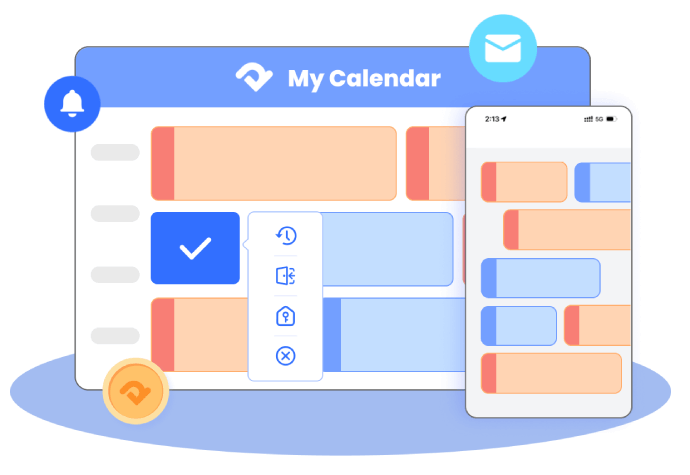
Start with a normal reception shift. Enter a booking, change its dates, record a deposit and find the guest's reservation again. Smart Order's front-desk page documents manual walk-in bookings, reservation adjustments and recording deposits and payments. Ask to perform those tasks yourself during a demonstration.
Then add the booking routes you plan to use at opening. A hotel taking mostly direct calls has a different setup from one launching on several booking sites. Choose the plan around that difference before adding optional tools.
| Opening requirement | What to demonstrate | What to put in the quote |
|---|---|---|
| Reception calendar | Enter and adjust your room reservations | Proposed core plan |
| OTA sales | Map each room type and rate to its channel | Channel entitlement and applicable charges |
| Website reservations | Follow a test booking into the PMS | Booking Engine entitlement and setup |
| Payment records | Find the payment against the correct stay | Processing terms for your region and method |
| Staff access | Repeat the task under a reception account | Training and support arrangements |
Read the free-plan boundary
For a direct-only opening, begin with Front Desk, Basic Report, Mobile App and Customer Management in Essential. If your opening depends on website or OTA bookings, add those exact services to the proposal. Put optional integration work after the reservation and payment-record tasks your reception must finish on opening day.
The current pricing FAQ says Essential is free without room-count or duration restrictions. Its matrix separates OTA Channel and Booking Engine as Essential add-ons. Professional includes the listed channel and booking-engine groups, while some other integration groups remain add-ons. Ask which exact configuration appears in your proposal.
Payment fees are a separate line. Smart Order states: “Fee structures vary by region and payment method.” Avoid budgeting from the PMS core price alone. Ask whether setup, data migration, training or optional integrations carry charges for your property.
Compare the first year and an ordinary month
Keep one list for opening work and another for recurring bills. Put the actual quote beside each item. Include the time your staff will spend preparing room types, rates, policies and existing reservations. Do not replace unknown charges with zero.
For your trial, use the room types and booking rules you will actually sell. Include a reservation change and a cancellation. Ask who handles a failed channel update and how your team will see that it needs attention.
The useful buying result is a reception workflow your team can complete and a quote they can understand. Start there, then expand the setup as your distribution needs become clear.
FAQ
Should I choose only by the monthly subscription?
No. Compare the complete opening setup, recurring services, payment charges and staff preparation needed for your property.
Is the whole setup free when Essential is free?
The free claim applies to the Essential core. The current pricing matrix lists separate add-ons, and payment charges have their own terms.
What should a new hotel demonstrate first?
Enter a booking, change the dates, record a deposit and find the reservation again under the account your reception team will use.