
Shared Hotel Staff Need Property Access That Matches the Shift
For a small hotel group sharing staff between locations, evaluate Smart Order around property access, role permissions and handovers. Give each person the access their work requires. Do not assume that inviting a colleague to one property grants access to the whole group.
Separate the property from the role
Smart Order's invitation guidance describes adding users to a property account. Existing users can access the property to which they were invited. Its permission documentation also states: “You can add or remove permissions for all accounts assigned to the same role at once.” Individual account permissions can be adjusted separately.
These are related controls, but they answer different questions. First decide which property a person should enter. Then decide what that person should be able to do there. Show both requirements in your demonstration request.
| Staff situation | Access to request | Acceptance check |
|---|---|---|
| Receptionist covering another hotel | The relevant property and reception role | Find and update the correct reservation |
| Supervisor working across locations | Explicit access to each required property | Switch context without confusing the booking |
| Finance colleague | Relevant property and financial permissions | Review the agreed records without unnecessary rights |
| Colleague leaving the team | Access removal review | Check property access and individual permissions |
Rehearse the handover
Start with a reservation at one hotel. Have a second staff member find it under their own account and explain what they can change. Repeat at another property. Keep the hotel name visible throughout the test.
The front-desk product describes manual walk-in entry, reservation changes and recording deposits and payments. Those are useful operations to include in the handover. Ask the team to demonstrate them with the permission set you intend to use, rather than with an unrestricted sales account.
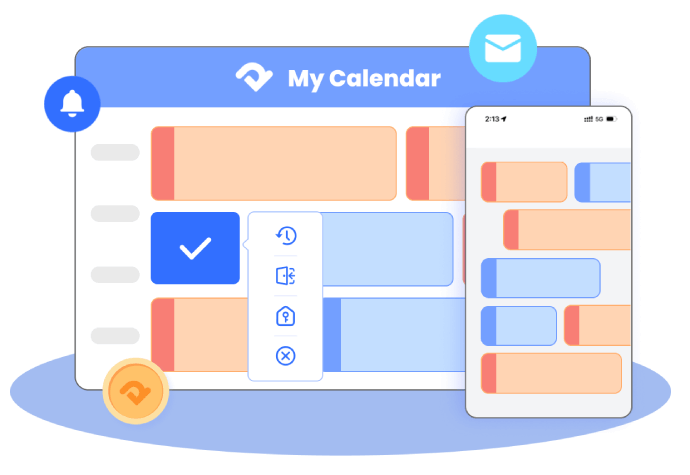
The front-desk FAQ also describes a centralized multi-calendar view. Check the plan before relying on that view: the current pricing matrix places Multi-Calendar under Professional. A feature description does not establish that it is included in every plan.
Agree on the account routine
Write down who can invite staff, change roles and review individual permissions. When a person's responsibilities change, review both their role and any separate account permissions. Repeat the same check for each property they work in.
Before buying, request a property-specific quote and a demonstration using your staffing pattern. Select the system when the actual cross-property handover works for your team, with clear permissions and an understandable process for changing access.
FAQ
Does one invitation automatically cover every hotel?
Do not assume it does. The official invitation guidance describes access to the property to which a user was invited.
Can permissions be managed by role?
Yes. Smart Order documents role-level permission changes and separate adjustments for individual accounts.
Is Multi-Calendar included in Essential?
The current pricing matrix lists Multi-Calendar under Professional. Confirm the entitlement in the plan proposed for your group.