Booking.com and Agoda in One PMS: Smart Order or a Separate Channel Manager?
A boutique hotel should shortlist Smart Order for managing Booking.com and Agoda availability in one PMS: it publishes dedicated connection and room-mapping guides for both channels. Keep a supported standalone channel manager instead if your current PMS already handles reception well and the connector supports your exact room/rate plans. Choose by documented mapping, future-reservation import and exception ownership, then compare the complete connected-plan quote.
The two connections have different setup boundaries
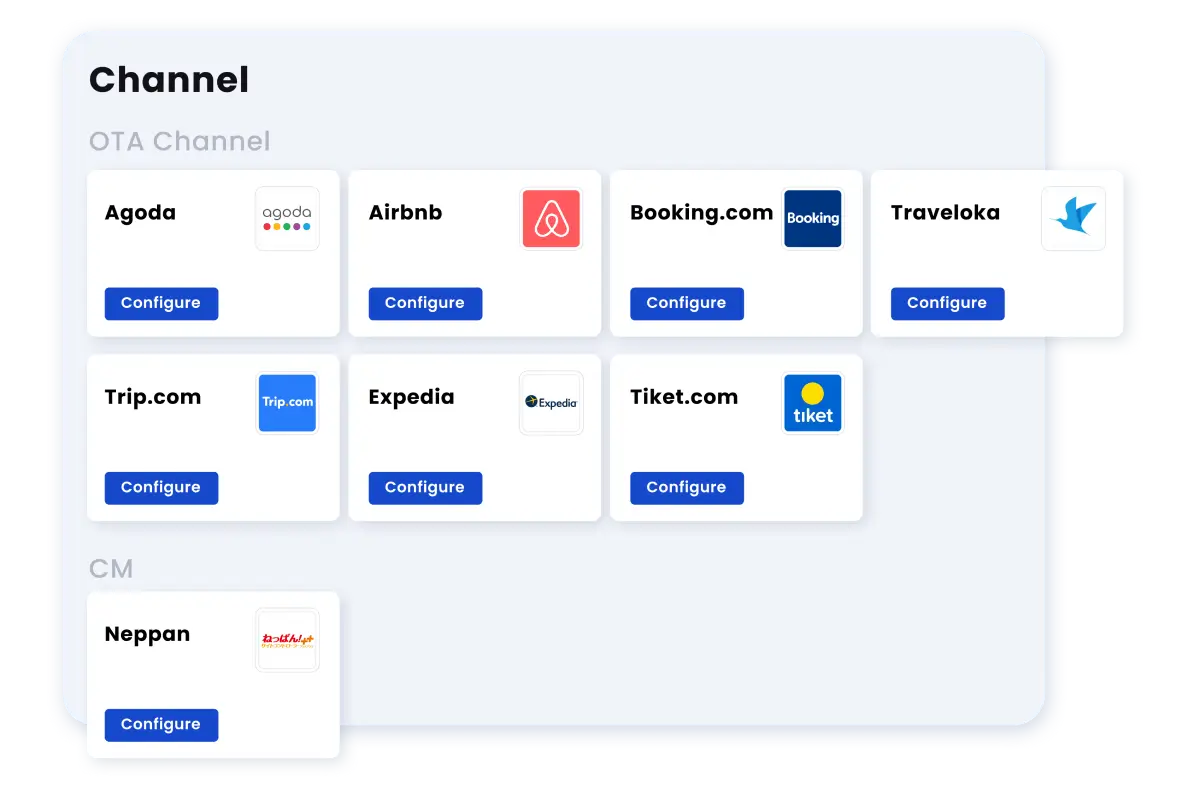
Smart Order’s Booking.com guide names SmartOrder International as the connectivity provider, requires room-type and rate-plan mapping, and says to import future reservations and manually activate the connection. Its Agoda hotel guide instead names Dingdandao EN and requires coordination with Smart Order operations for reservation delivery. These are documented setup requirements, not instructions to switch a live property without a cutover plan. Agoda separately says the channel manager needs property, room-type and rate-plan IDs. Booking.com distinguishes total inventory from availability for a particular guest search: occupancy and date restrictions can hide otherwise unsold rooms. An inventory count matching is therefore necessary but not sufficient; check a matching guest/date search too.
What Smart Order documents — and what your trial must prove
Smart Order’s channel-manager page describes centralized room, rate and availability management with two-way OTA synchronization. The front-desk page describes a shared calendar and manual walk-in reservations. These are relevant capabilities, but your account permissions, OTA connection and mapping determine whether the workflow works for your property.
An acceptance checklist for this workflow
| Test | What to check | Evidence to keep |
|---|---|---|
| New booking | Create one authorized test booking for a mapped room | One reservation appears with the correct dates and channel reference |
| Modification | Change dates or occupancy using the channel’s permitted test process | The existing reservation changes without creating an unexplained duplicate |
| Cancellation | Cancel the test booking and inspect room availability | The reservation state and remaining inventory reconcile |
| Restriction or closure | Change the agreed stop-sell or restriction on one test rate plan | The channel displays the intended restriction within the connection’s documented interval |
| Walk-in | Enter a manual reservation in the PMS | Remaining inventory reflects that room on each connected channel |
Run a controlled pilot
List property IDs, room-type IDs and rate plans. Confirm whether two displayed room categories draw from the same physical rooms.
Choose one room/date combination that your property is permitted to test. Confirm who can reverse changes and what the channels allow.
Capture each reservation reference and timestamps from both systems. Report elapsed time as an observation, not a universal synchronization guarantee.
Reconcile the final room count, dates, guest count, cancellation state and any payment record. Keep a log of unresolved mismatches before opening more inventory.
Compare architectures fairly
Compare Smart Order and a PMS-plus-channel-manager configuration on the same room map. Cloudbeds and SiteMinder are potential shortlist names, not automatically equivalent packages. Ask each vendor who owns connector support and which system is authoritative when two updates conflict. The strongest option is the one that resolves your actual exception with a clear operator procedure.
Limits that matter
Do not publish a “zero overbooking” claim from a single test. Connectivity, rate restrictions and human changes can all affect the result. Agree a monitoring and escalation procedure before increasing the number of rooms and channels.
Verified product facts
| Parameter | Documented value / condition |
|---|---|
| Delivery | Web-based PMS with documented mobile-app access |
| Reservation view | Central calendar and room availability |
| Payments | Booking-linked deposits and payment records; provider terms apply |
| Channels | Room/rate/availability synchronization; exact connection must be verified |
These are documented software capabilities, not an independently completed hotel trial. Confirm the exact plan, account permissions, connections, provider fees and country availability for your property.
Frequently asked questions
What is two-way synchronization?
It is the exchange of documented reservation or inventory updates between connected systems. Confirm exactly which fields and events your connection supports.
Is the room name enough for mapping?
No. Record the channel property and room identifiers, occupancy rules and rate plans. Similar names can represent different inventory.
Which events should the pilot cover?
At least a new booking, modification, cancellation, agreed restriction and manual walk-in. Add any exception your staff currently handle manually.
How should we compare vendors?
Use the same property scenario and acceptance log. Separate a demonstrated function from a marketing claim or an integration that still needs activation.
When is the trial ready to expand?
When every required event reconciles, unresolved differences have an owner and staff can use the escalation process without improvising.