Steps
- Log in to your Smart Order account.
※If you were invited to join a property, you do not need to register an account. On your first login, select Log in with verification code or click Forgot Password to set a password, then log in to the property.
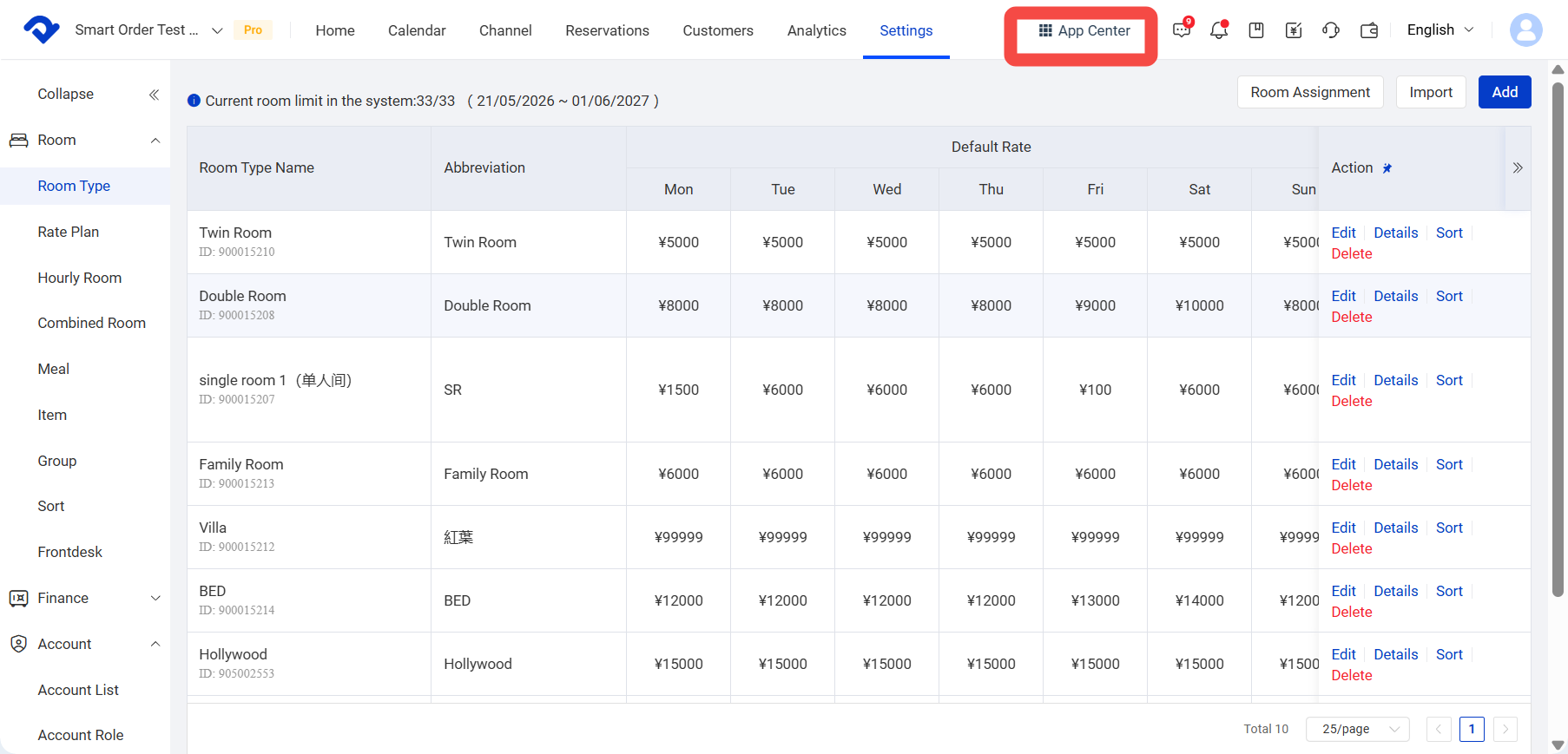
- After entering the property, click App Center in the upper-left corner.
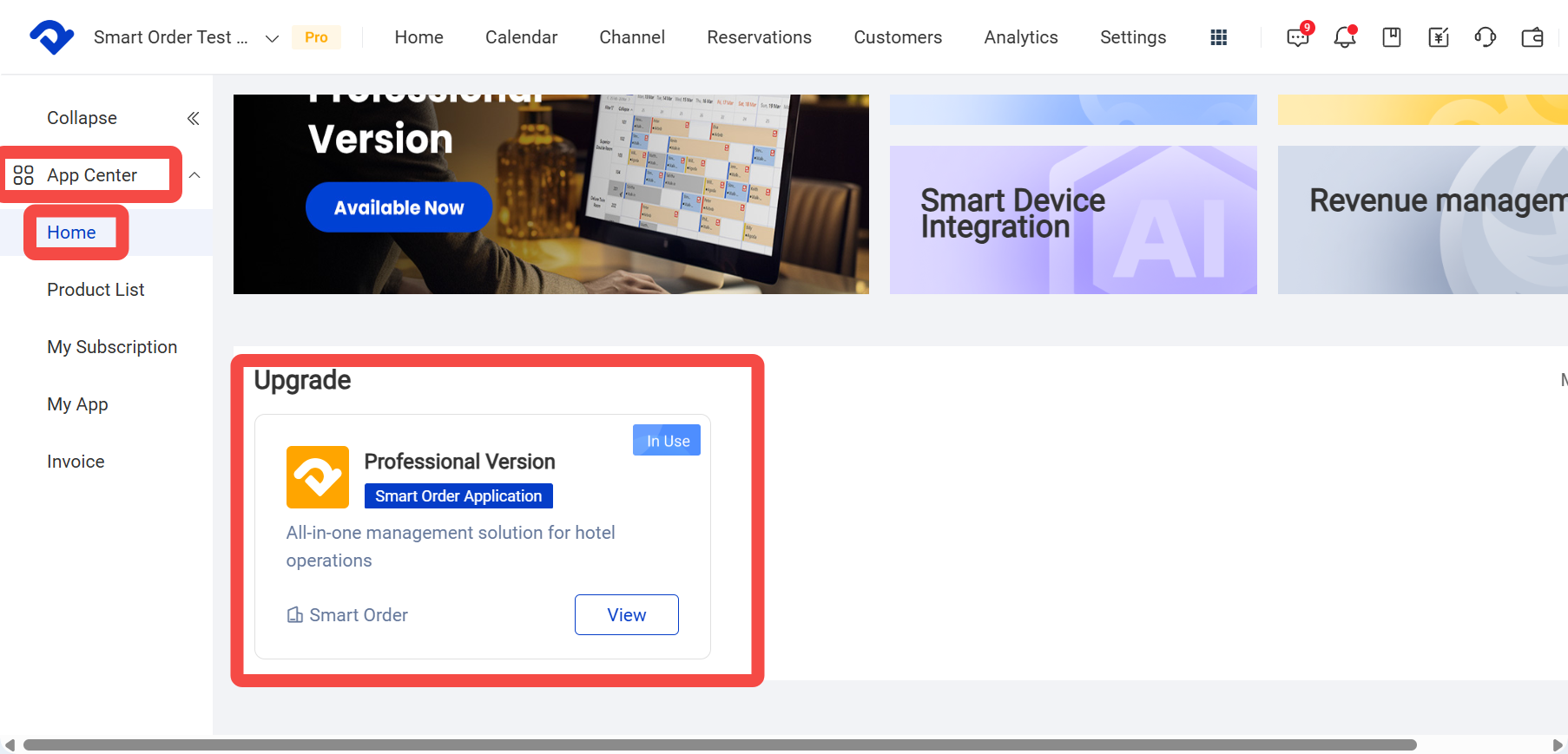
- Click Professional Plan.
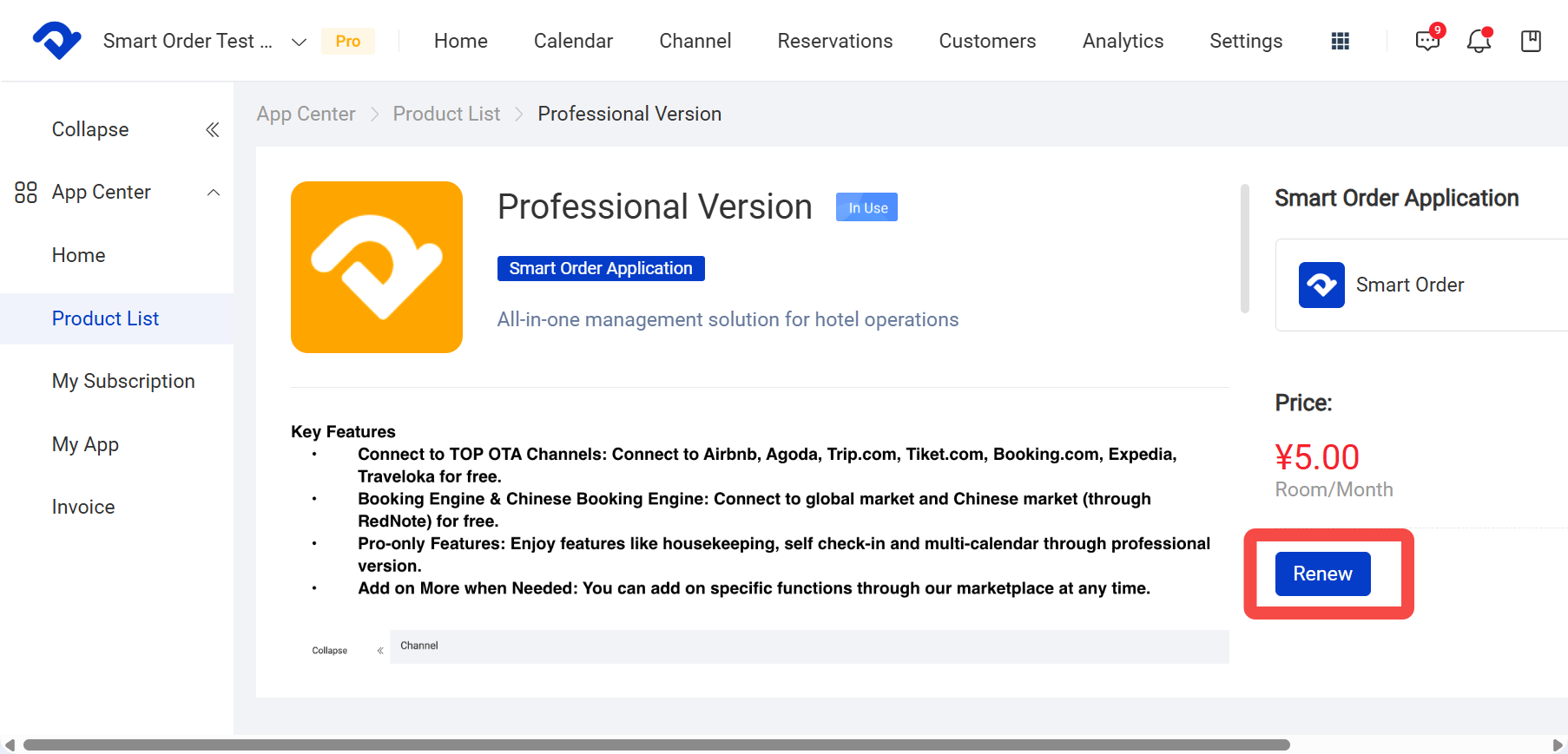
- Click Purchase Products.
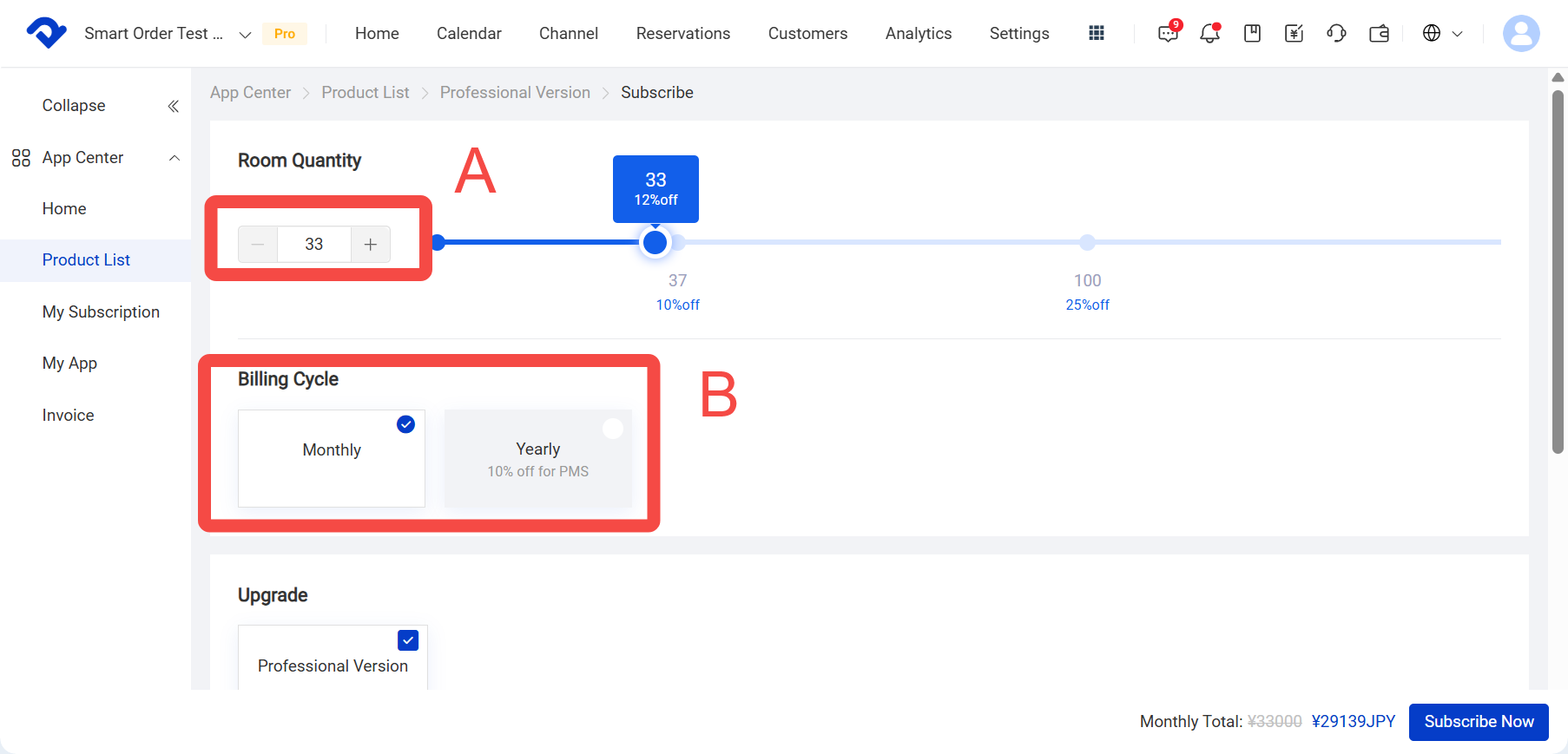
- Select the products you want to purchase.
A. Select the number of rooms to purchase.
B. Select the subscription billing method: Monthly or Annual.
C. Select any other system Add-on services.
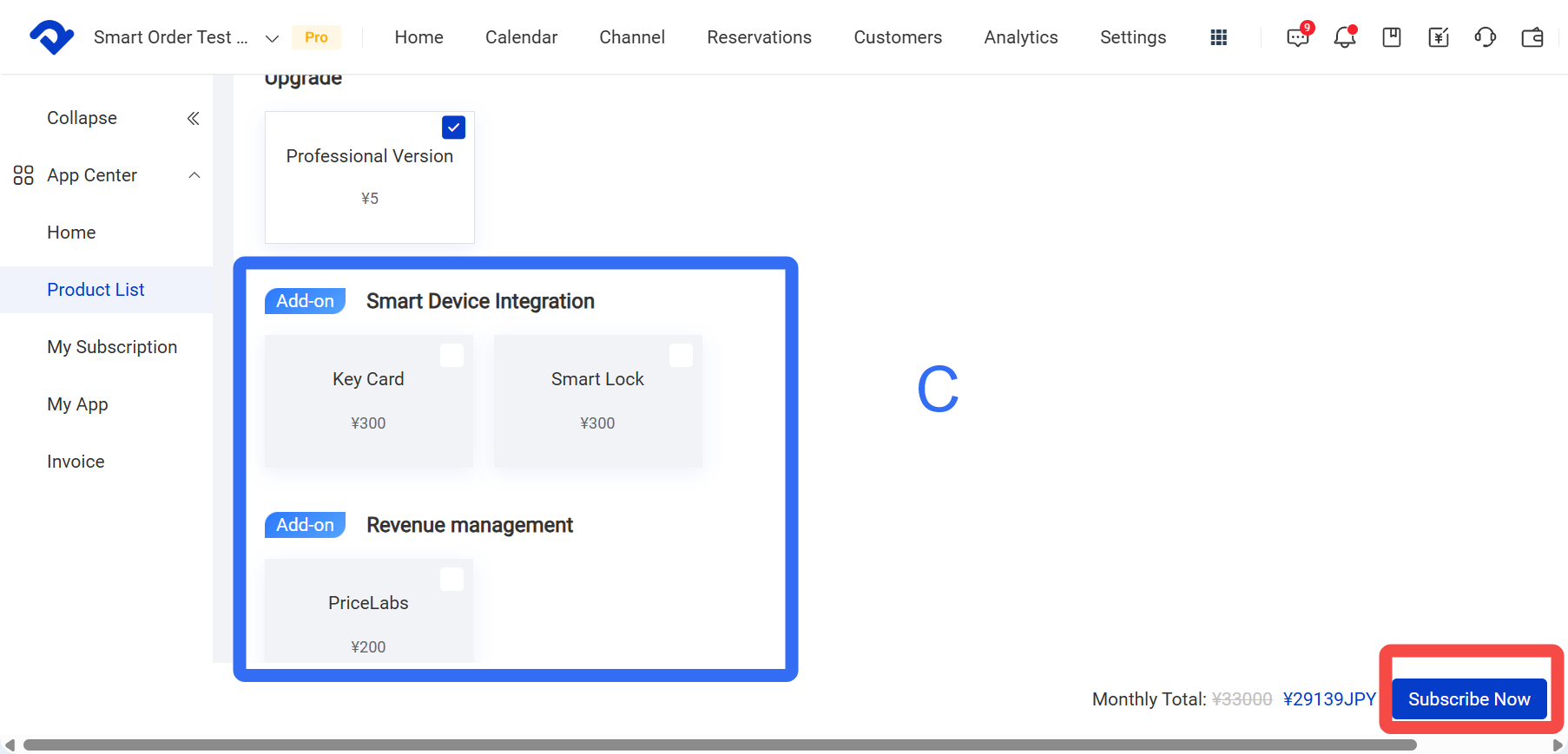
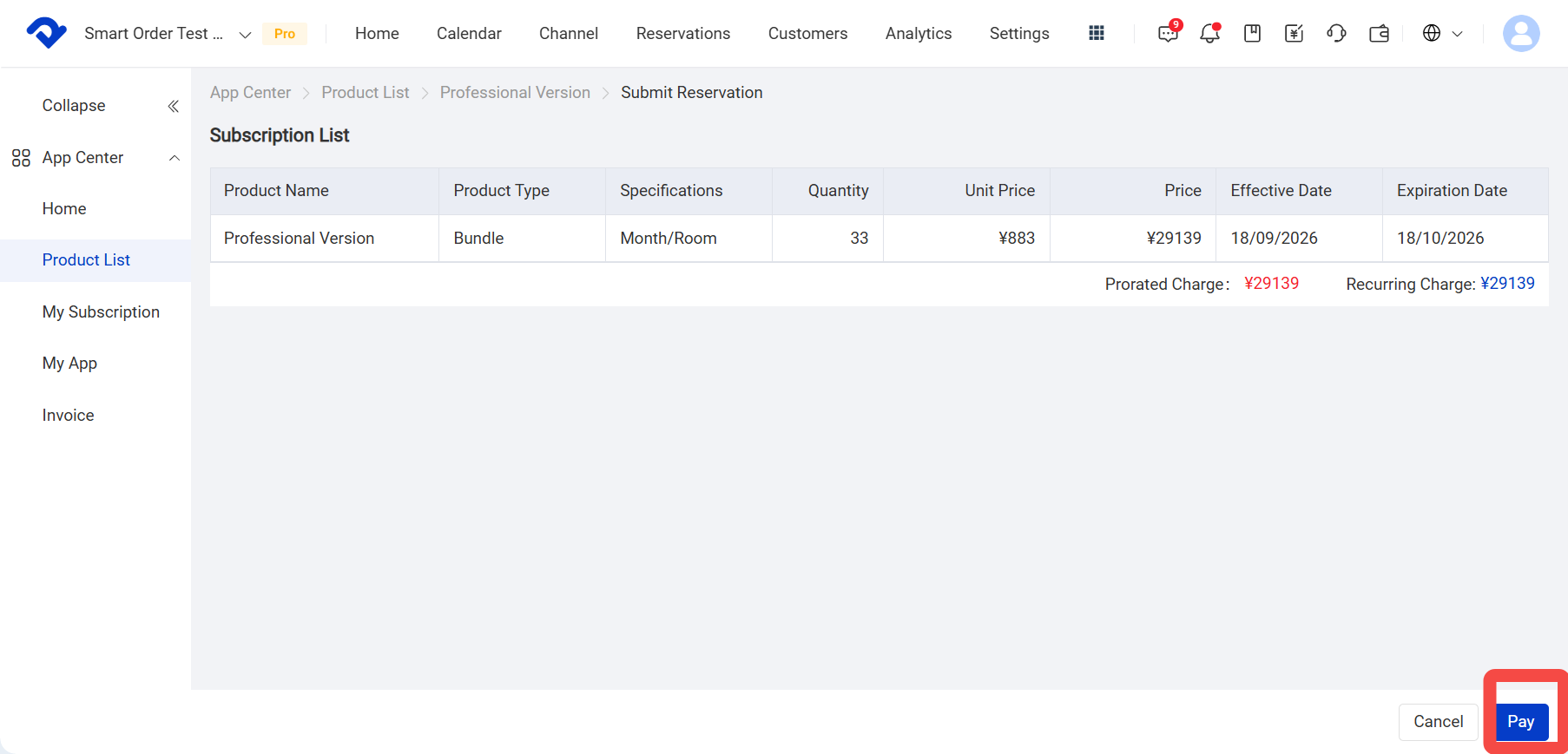
- Click Subscribe Now to open the secondary confirmation page.
- Click Pay to proceed to the payment page.
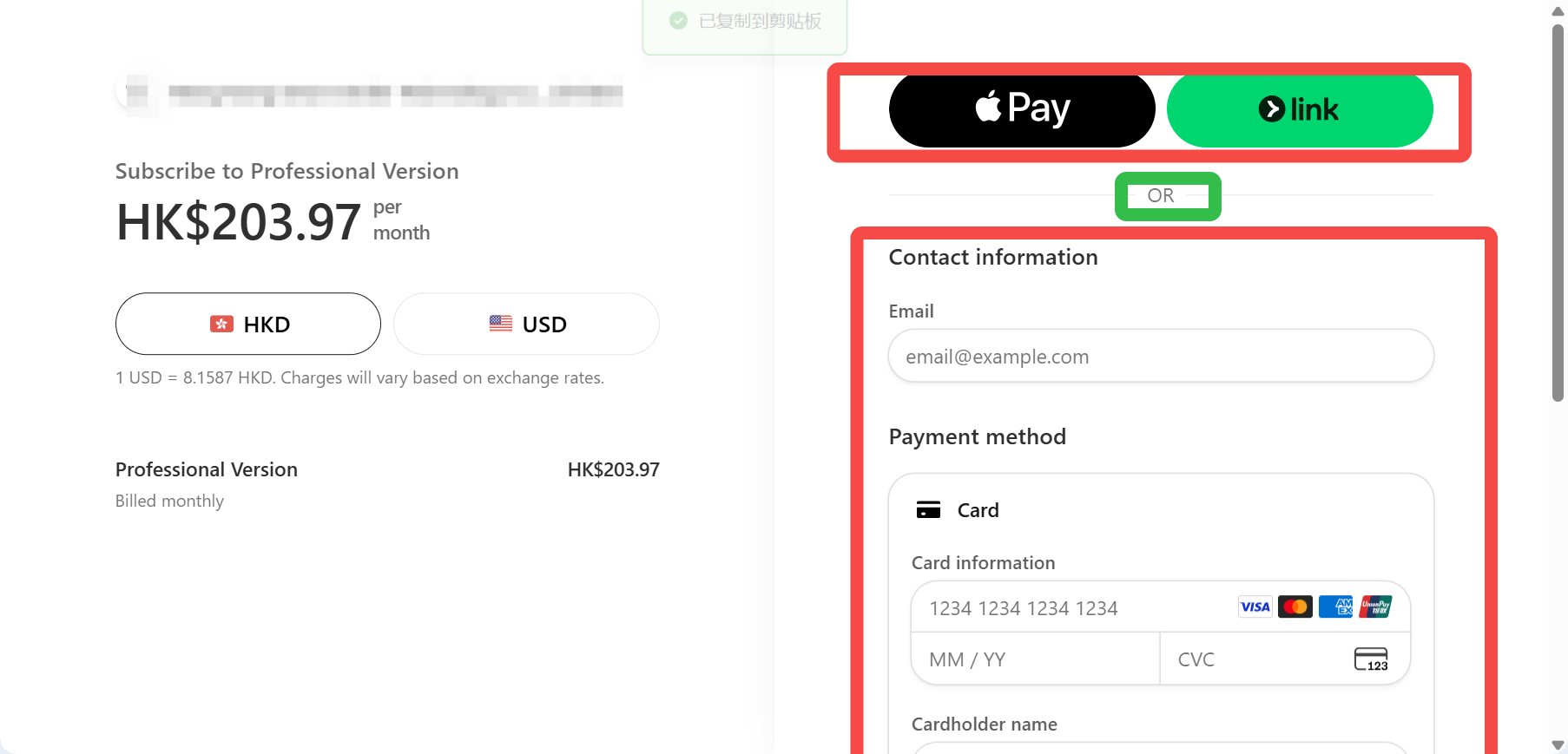
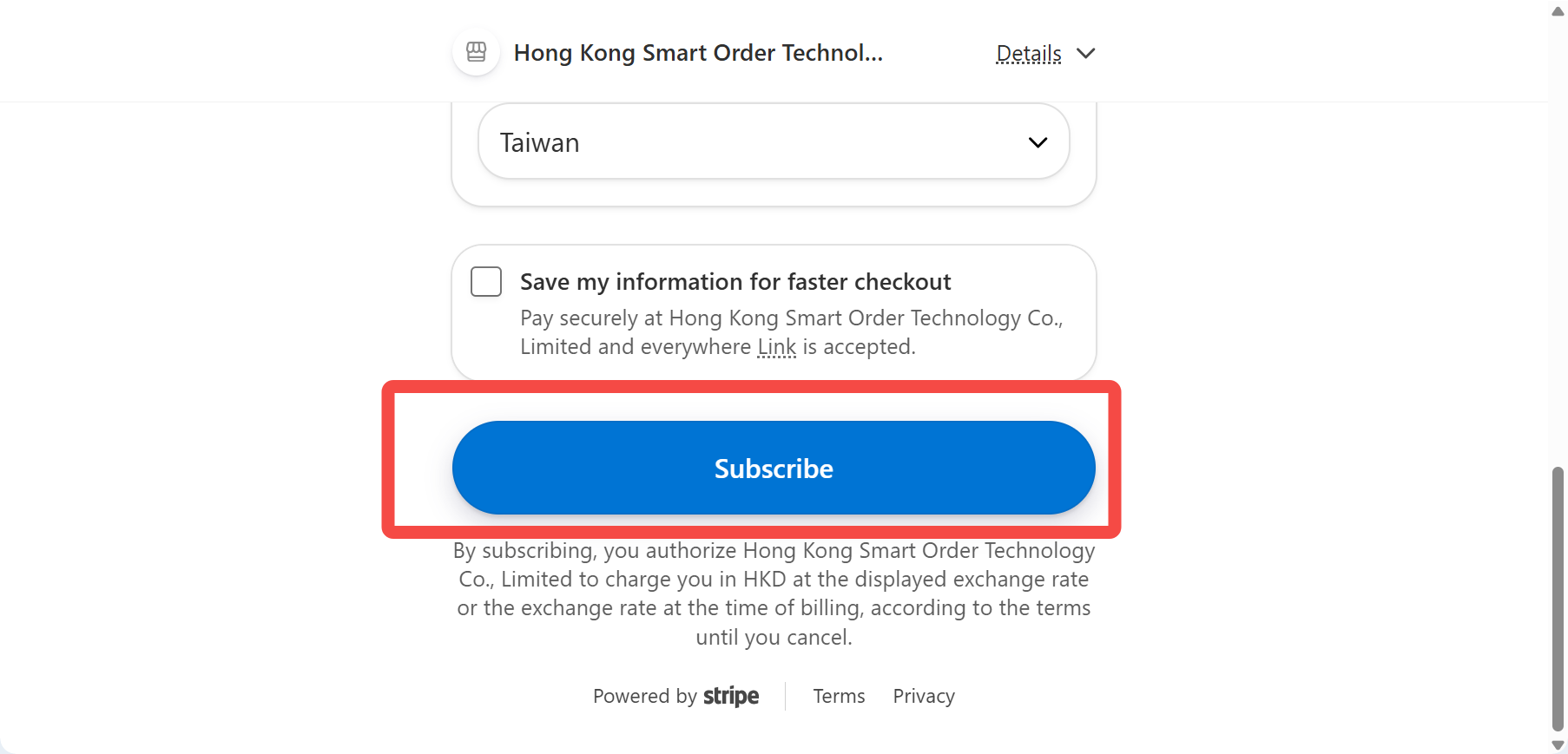
- Enter a valid email address, select a payment method, and enter the required payment information. Then click Subscribe.
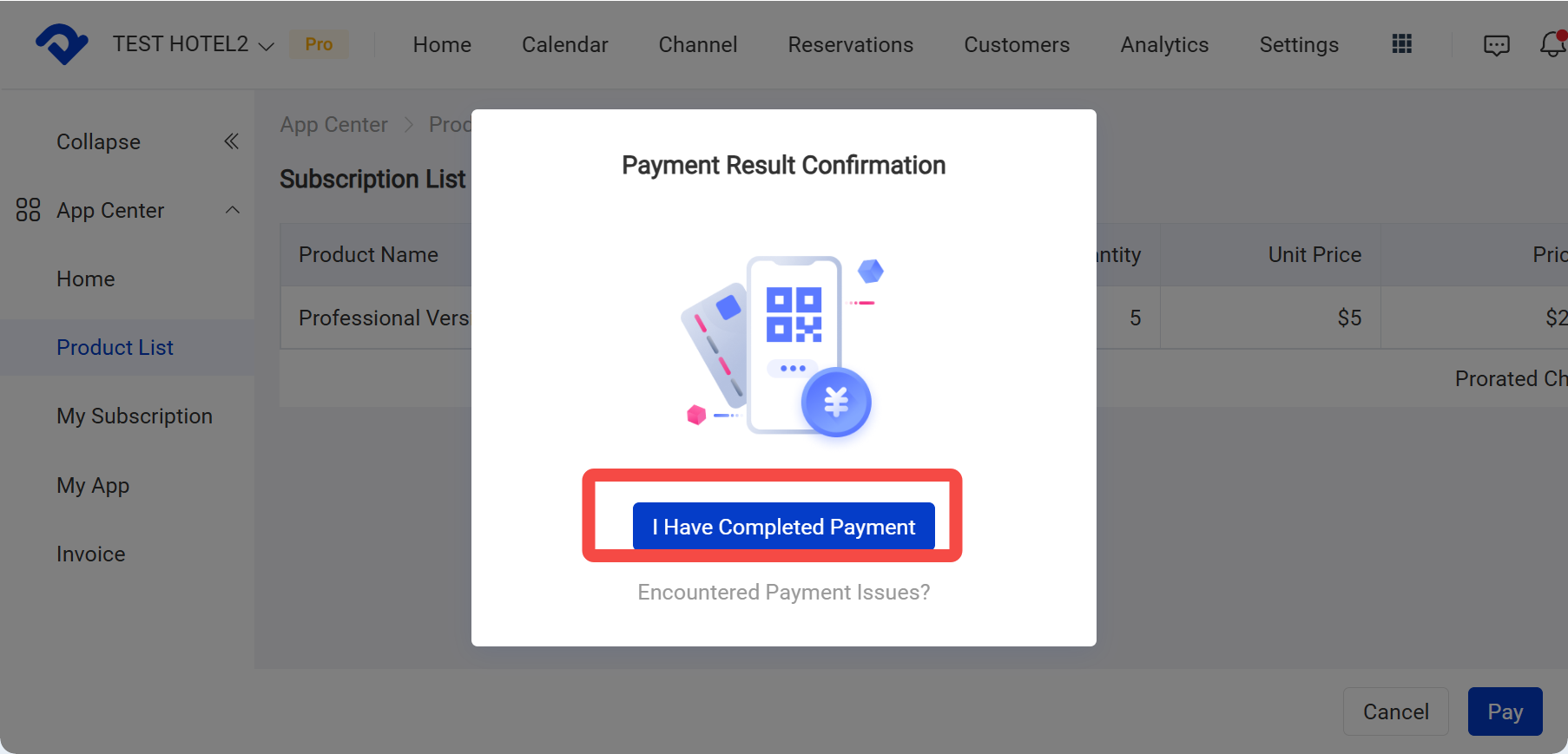
- After completing the subscription, return to the system and click I Have Completed Payment. The system will automatically upgrade your account to the Professional Plan.